
Why tension changes the final print
Screen tension is the pull across the mesh, and it affects how the screen reacts on press. When tension is even, the screen lifts cleanly after the squeegee passes, the mesh snaps back into place and the stencil holds a sharper edge. That gives you better detail, more consistent registration and a cleaner finish across a run.
When tension is too low, the screen can sag in the middle and the mesh may touch the garment more than it should. This often causes heavier ink deposits, blurred detail and poor repeatability from one print to the next. Too much tension can also create problems, because the mesh and frame take extra strain and the stencil may not cure or release properly if the setup is over-stressed. The aim is not to pull the mesh as hard as possible, but to keep it balanced and stable.
For shops handling everything from short promotional runs to larger repeat jobs, tension is one of those settings that quietly affects almost everything on press. You may notice the issue first in fine text, halftones or tight registration work, but the cause is usually in the frame and mesh before it is in the artwork.
What good tension does for stencil behaviour
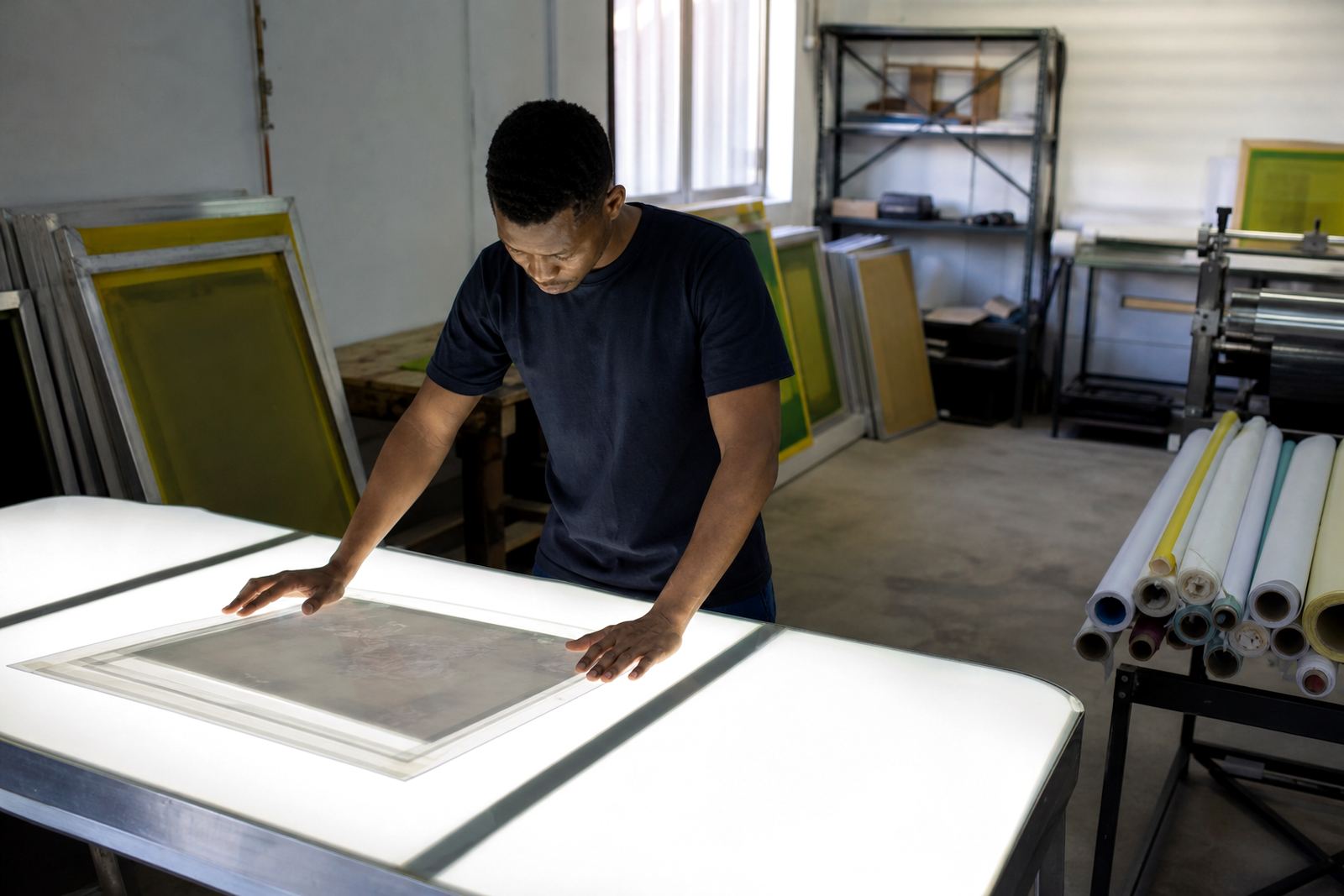
A stencil is only as dependable as the screen beneath it. Even tension helps the emulsion layer sit evenly over the mesh, which matters when exposing small lettering, thin lines or open areas that need a clean edge. If the mesh is loose, the stencil can move slightly during print pressure, and that movement shows up as soft edges or a faint double image.
Good tension also helps with off-contact. When the screen lifts away after the squeegee stroke, the stencil should recover quickly so the next print starts from the same position. That recovery is part of what gives you repeatable prints. On low-tension screens, the stencil may drag, stick or distort, especially on long production runs or heavier ink deposits.
In practical terms, the printmaker gets more control when the screen is tensioned properly. The ink transfers more predictably, the squeegee pressure can be kept more consistent and the risk of chasing problems during the run drops quite a bit.
- Sharper edges on text and line work
- Better release on fine detail and halftones
- More even ink deposit across the image area
- Less movement during multi-colour registration
Matching mesh count to the job
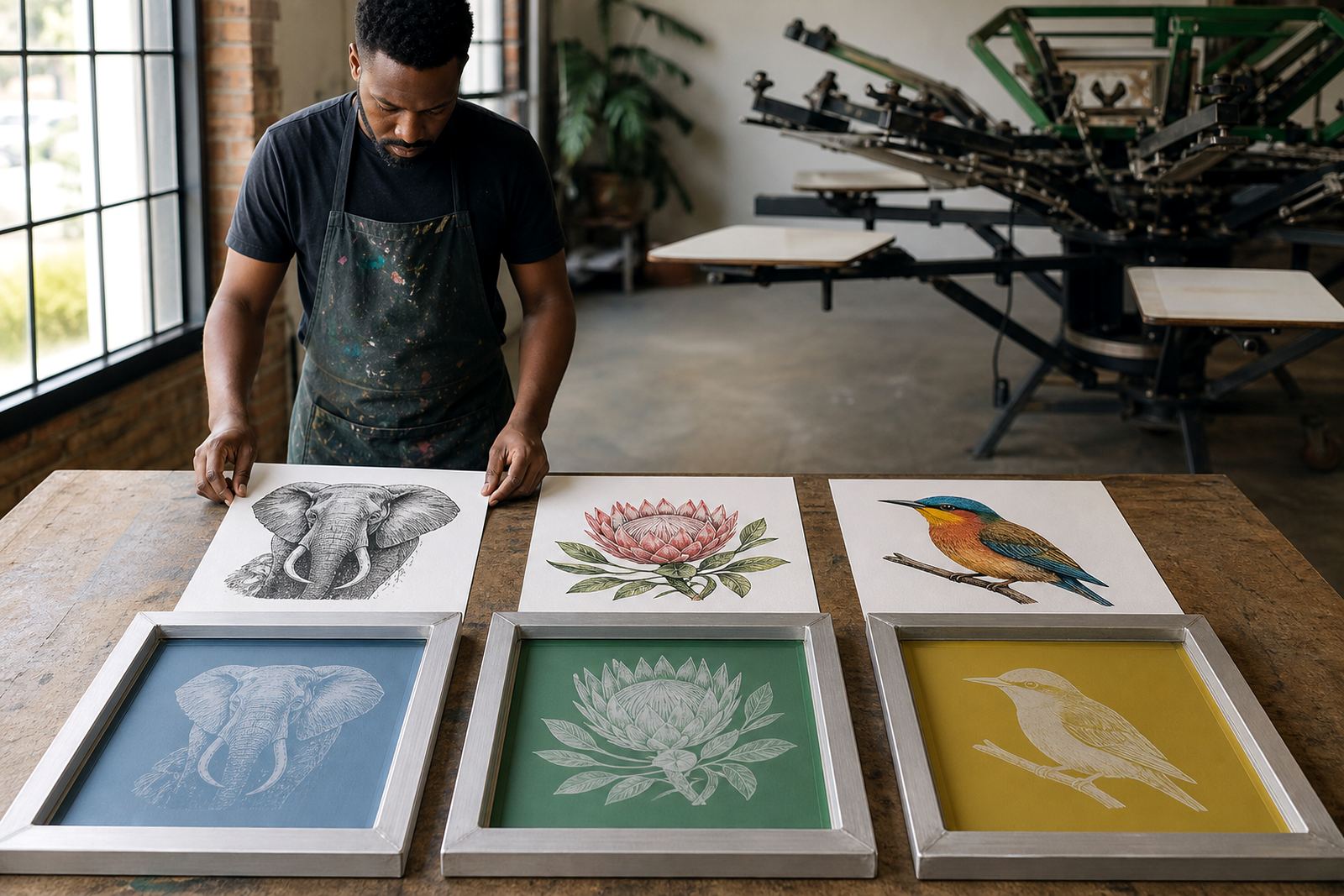
Mesh count and tension work together. A finer mesh count is usually chosen for detailed artwork, smaller text or lighter ink deposits, while a lower mesh count gives more open area for thicker inks and bolder prints. But a suitable mesh count on its own is not enough. If that mesh is not stretched evenly, the print can still shift, even when the count looks correct on paper.
For example, a print shop in Johannesburg doing detailed branding for workwear may need a finer mesh count for crisp small text. If the same screen is under tension on one side and loose on the other, the result can be uneven deposit and edge distortion. In Durban or Cape Town, where humidity can affect drying and storage conditions, the combination of mesh count and tension matters even more because screens can behave differently from one day to the next.
That is why mesh count matching is not only about the artwork. It is also about the frame, the ink type, the substrate and the press setup. Getting those parts aligned saves time later and reduces rework.
- Fine detail usually needs a finer mesh and steadier tension
- Heavier ink layers often suit a more open mesh
- Coated surfaces and textile blends may need different setup choices
- Local conditions like humidity and heat can change how a screen performs
How frame condition affects tension over time
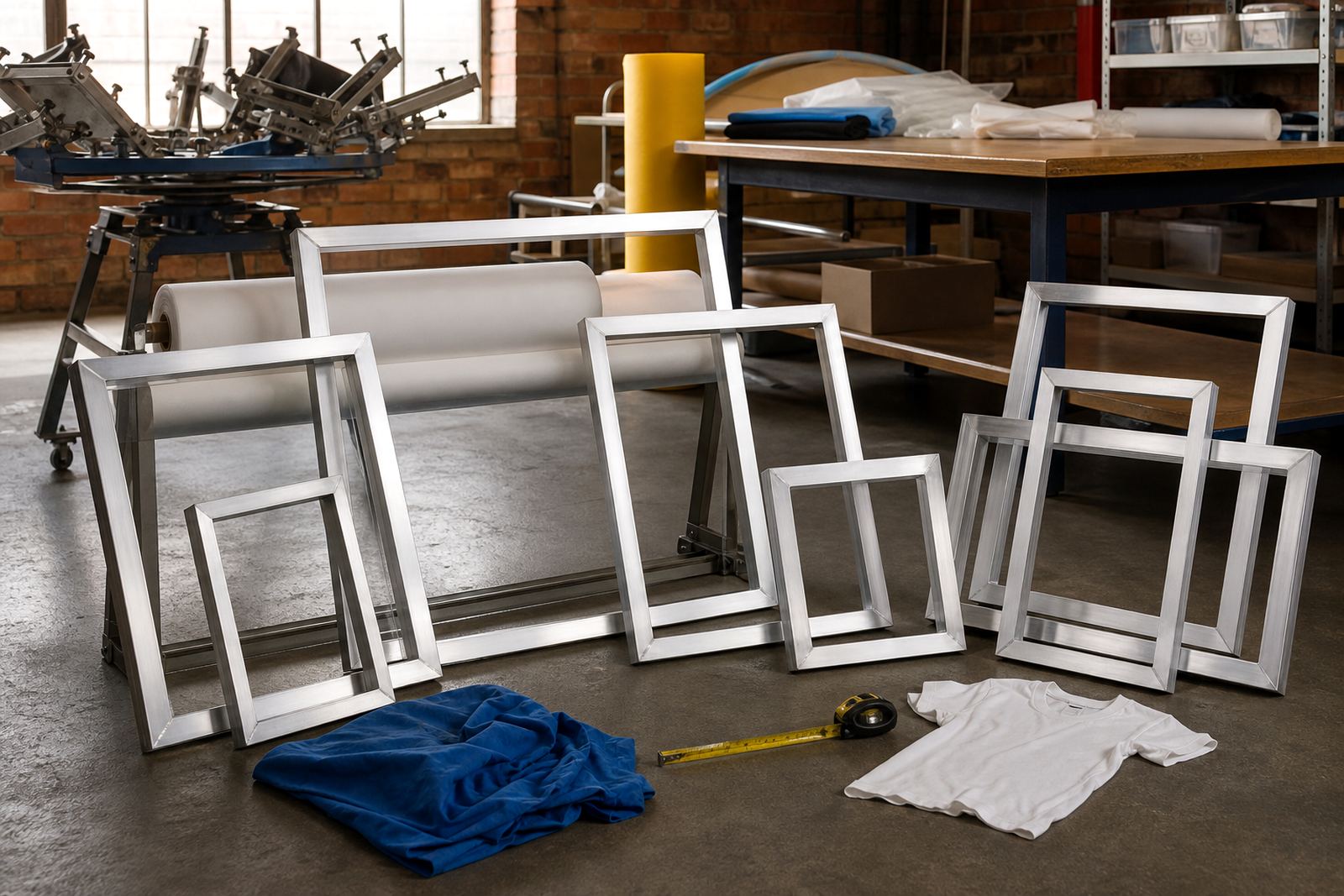
Even a well-stretched screen will not keep its performance forever if the frame is damaged, dirty or poorly prepared. Aluminium frames are popular because they hold shape well and are light enough for day-to-day handling, but the frame still needs proper cleaning and bonding before stretching. Glue, ink residue and old mesh can all interfere with a new stretch.
Frame condition matters during re-stretching too. If the frame has been bent, scratched at the bonding surface or repeatedly exposed to harsh cleaning, it may not hold tension evenly. That can show up as corner pull, edge lift or a screen that feels tight in one section and soft in another. In busy Gauteng shops where screens are reused often, re-stretching can make sense, but only if the frame is still sound.
We also see screens affected by storage. In places where load-shedding interrupts drying schedules, screens may sit longer than planned before use. If they are stored in a damp or dusty area, the mesh and stencil can age unevenly. A clean prep routine helps here, especially when screens are being prepared for repeat orders.
Signs a screen is losing its pull
Most printers can feel when a screen is no longer behaving right, even before the print quality drops sharply. The screen may sound dull instead of crisp when tapped, or the squeegee may feel like it is dragging more than usual. On the press, the image can start to look softer at the edges, and fine details may need a second pass that should not be necessary.
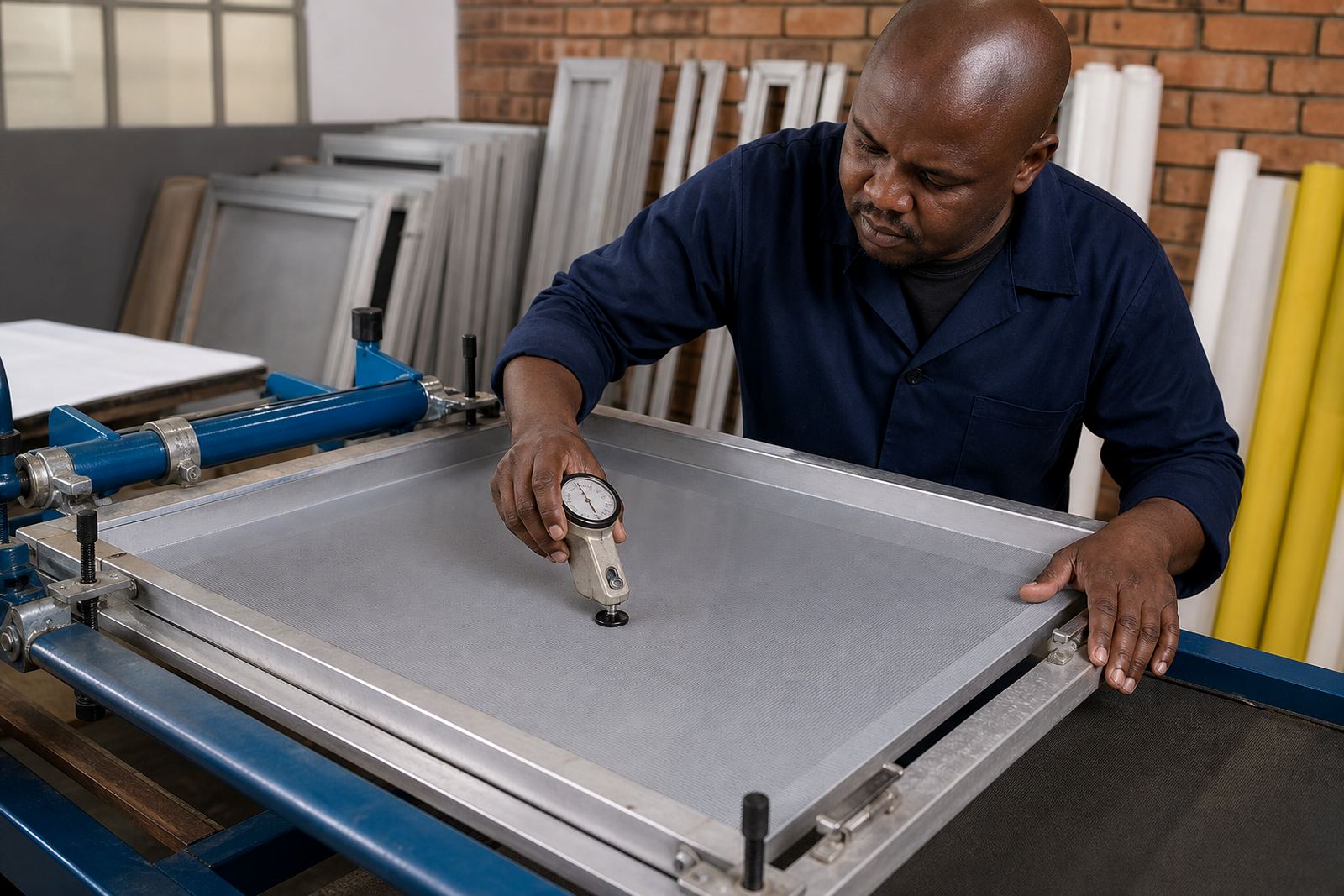
If you notice these signs, a tension check is worth doing before blaming the mesh count or the artwork. It may be a case of natural relaxation after use, uneven stretching from the start, or wear from cleaning and repeated runs. In some cases, the screen is still usable for simpler work, but it should be taken out of fine-detail jobs.
- Soft or fuzzy edges on lines and text
- Uneven ink deposit from one side of the print to the other
- Registration drifting during longer runs
- Screen bounce or poor snap-back after the squeegee stroke
- Need for extra pressure just to keep the image open
A practical approach for South African print shops
For many shops around Germiston, Johannesburg, Pretoria, Midrand and the East Rand, the useful habit is simple: inspect, test and match before the job goes to press. That means checking the frame condition, confirming the mesh count, testing tension and making sure the screen suits the artwork and ink. It is a basic routine, but it saves time when orders need to move fast.
A local example is a job heading to a client in Cape Town for a small run of branded event shirts. The artwork includes fine type, thin outlines and a few solid blocks. If the screen is stretched evenly and the tension is checked before dispatch, the print shop has a far better chance of keeping the small details crisp across the full run. If the screen is loose, the shop may spend extra time adjusting squeegee pressure and chasing registration issues that should have been avoided.
That is why tension is not just a technical detail. It is part of the production setup that affects the whole order from the first pull to the last. When the screen is right, the rest of the job is easier to manage.