
Why stencil detail starts with the mesh count
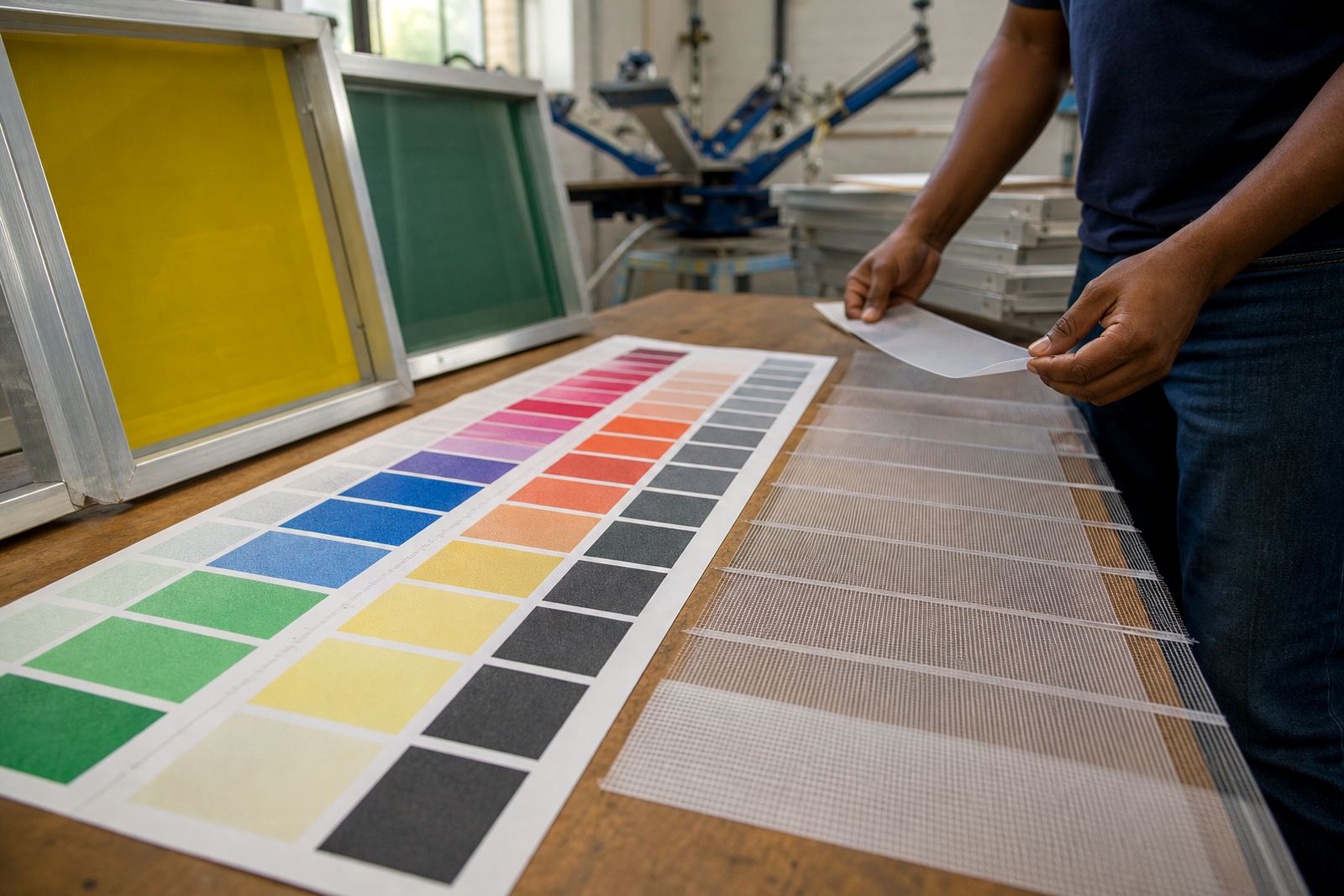
In screen printing, the stencil does not work on its own. The mesh underneath carries the ink, supports the emulsion and sets the limit for how much detail can pass through. A finer mesh count gives more control over small text, thin lines and halftone work, while a coarser mesh gives more ink deposit for bold graphics, underbases and garments that need stronger coverage. The trick is matching the mesh count to the job instead of treating every screen the same.
For practical planning, think of it this way: very fine detail needs a tighter weave and a smoother surface, but that also reduces ink flow. A heavier print needs more open space in the mesh, but then the edge detail becomes less crisp. That is why an artwork file that looks perfect on a monitor can still print badly if the mesh count is not suitable. In Germiston, where many shops are handling short runs, repeat orders and quick turnaround jobs, getting that match right saves time on press and avoids rework.
Choosing mesh count for linework, halftones and text
Each print style asks for a different level of detail. Fine line illustration, small lettering and tonal images usually need a higher mesh count so the stencil can hold sharp edges. Bold spot colours, block logos and specialty inks often need a lower mesh count to push enough ink through the screen. If the mesh is too open, the print can look soft. If it is too fine, the print may look pale or broken, even when the artwork is clean.
- Small lettering and thin linework: use a finer mesh to keep edges clean.
- Halftones and process work: use a mesh that supports clear dots without filling in.
- Heavy ink deposits: use a coarser mesh for stronger coverage.
- Mixed artwork: test the most detailed part first, then set the mesh around that need.
A good rule is to start with the smallest detail in the artwork, not the largest shape. If a job includes a 5 mm font next to a solid block, the fine text sets the standard. The bigger areas can usually tolerate a little compromise, but the small text will fail fast if the mesh choice is too loose.
How frame tension changes the detail you can hold
Mesh count is only half the story. Tension matters just as much because a poorly tensioned screen can blur detail, change registration and cause uneven ink release. A well stretched frame gives a cleaner snap-back after the squeegee passes, which helps keep the stencil edges crisp. Low tension lets the mesh move too much and the print can gain size or lose definition, especially on detailed work.
Pre-stretched aluminium frames are popular because they give a consistent base for tension and are lighter to handle during setup and dispatch. When the frame is square and the mesh is evenly stretched, the printer gets more predictable results from one screen to the next. That matters for shops in Pretoria, Durban and Cape Town where repeat jobs need to match previous screens closely, not almost match them.
- Even tension helps fine detail release cleanly from the mesh.
- Loose spots on a frame can cause wobble in small text and fine lines.
- A square, stable frame helps with registration on multi colour jobs.
- Good tension also supports longer screen life during repeated use.
Frame size matters too. A screen that is stretched properly for its format will hold detail better than one that has been overworked or patched up without care. That is why frame re-stretching and tension checking are worth doing before a detailed job goes into production.
Ink deposit, stencil edges and the press room reality
The amount of ink that passes through a screen is shaped by mesh count, stencil thickness, squeegee pressure and the kind of ink being used. If the screen is too open, thick ink can flood the image and soften the edge. If the screen is too fine, the print may need extra pressure or multiple passes, which can distort the stencil or slow the job down. Finding the right balance is normal screen-room work, not guesswork.
Coastal humidity can also affect the way screens behave, especially during storage and print runs in places like Durban or Gqeberha. Moist air can slow drying and make screen prep more sensitive, while load-shedding can interrupt exposure, drying and curing schedules. That is why clean prep, proper drying time and careful storage matter just as much as the mesh itself. A well prepared screen prints better in a hot dry workshop in the East Rand and in a damp coastal unit, but the handling needs to suit the conditions.
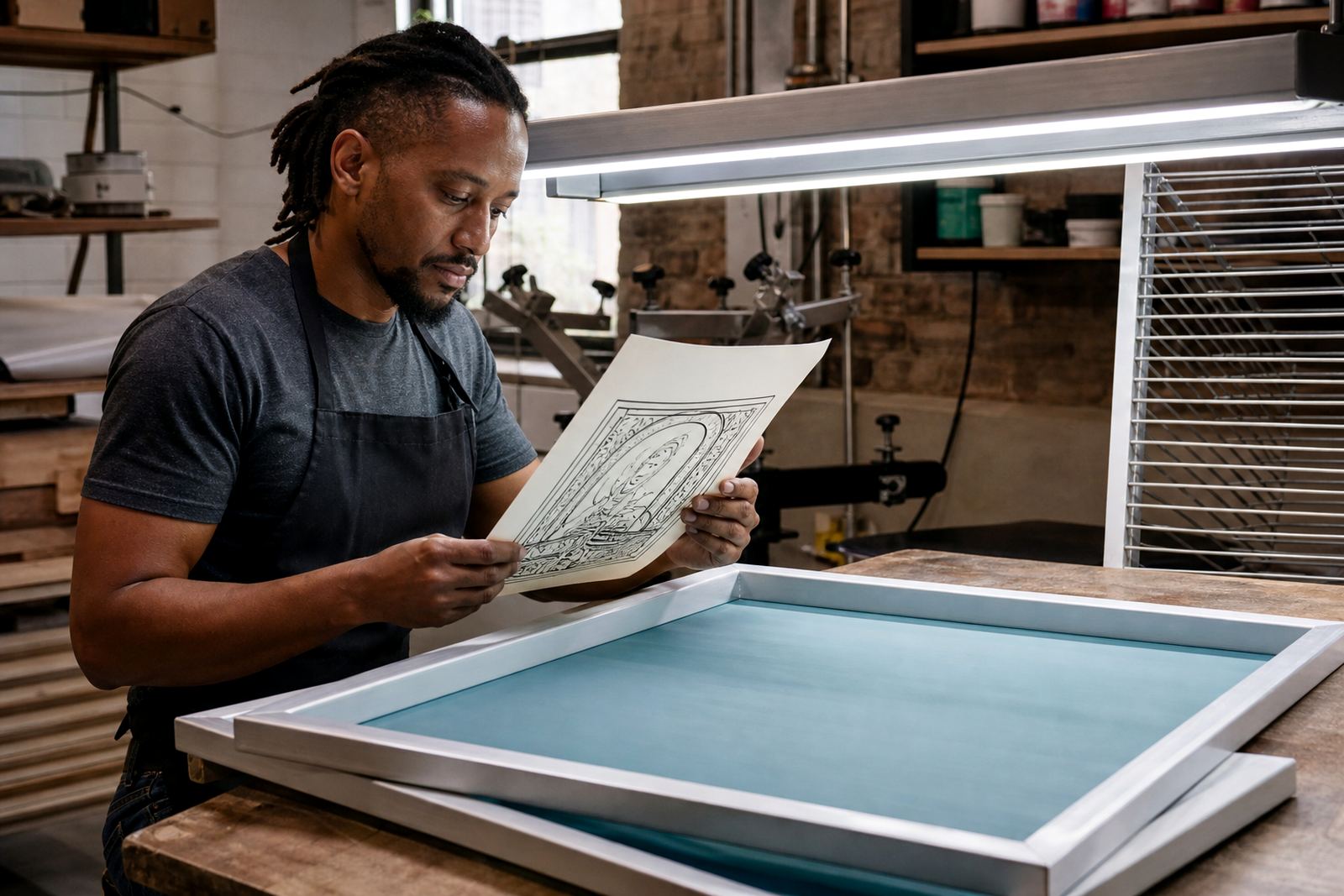
For detailed artwork, the printer should watch for three signs: the image edges are holding, the dots are opening as expected, and the ink deposit is even across the frame. If one of those is off, the mesh choice or tension usually needs another look.
A Germiston example: matching mesh to a mixed job
A local print shop in Germiston might receive a run of work that includes small chest prints, a large back graphic and a repeat order for safety wear. Even when the artwork comes from the same client, the screen setup may need changing between items. A fine detail logo on a cap panel may need a tighter mesh, while a bold garment print may need a more open screen to lay down enough ink. Using one screen for all three jobs usually gives uneven results, and the quality drops where the detail is hardest.
In that sort of workflow, the best approach is to match the screen to the hardest detail first, then set up the rest of the job around that. That can include mesh count matching, custom frame sizing and batch screen prep so the screens arrive ready for use. It also helps to keep repeat order notes on what worked last time, because the same artwork on a different substrate can behave differently. A cotton tee, a coated board and a textured fabric will not ask the same thing from the mesh.
- Check the smallest detail in the artwork before selecting the screen.
- Match the screen to the substrate and ink type, not just the design.
- Keep records of the mesh count and tension used on repeat jobs.
- Inspect older screens before reusing them for detail work.
What good screen prep looks like before press time
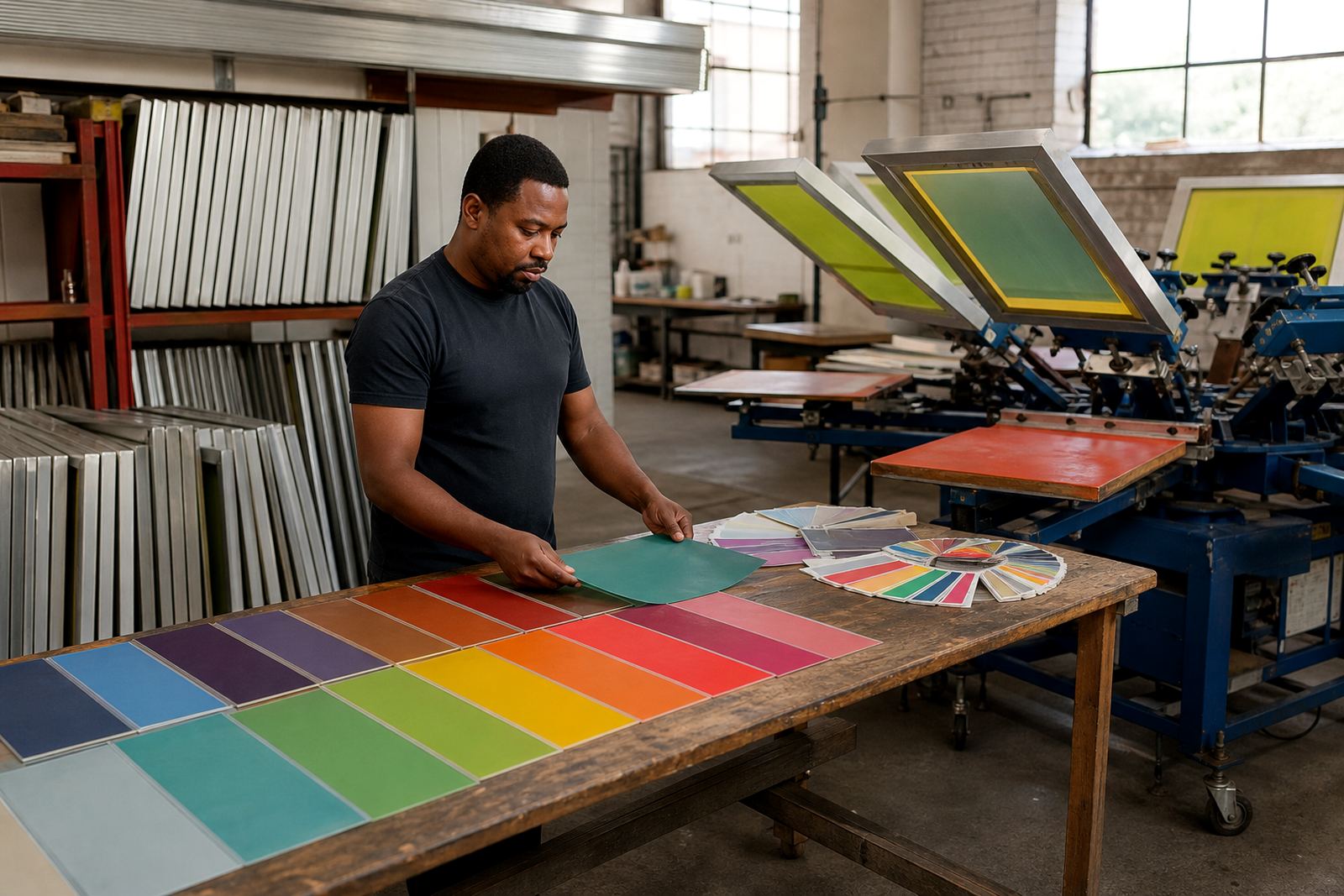
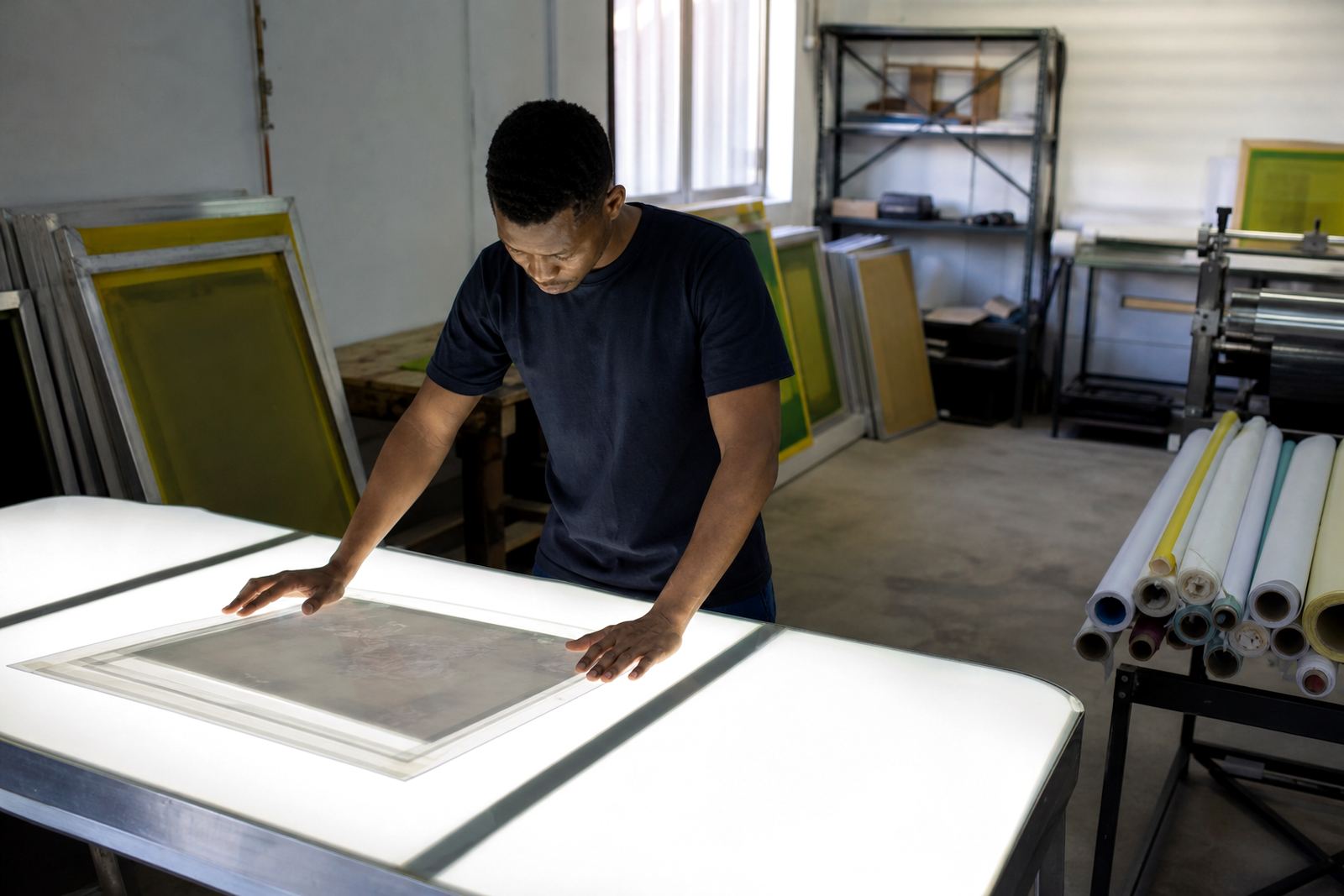
Before a screen goes onto the press, it should be clean, square and checked for even tension. Mesh bonding, frame clean prep and screen inspection all help reduce problems once ink starts moving. If the mesh has weak spots, old residue or uneven stretch, the stencil can fail in areas that matter most. That is why screen setup advice is useful even for experienced operators, because a small adjustment now can prevent a wasted batch later.
For shops across Johannesburg, Pretoria, Midrand and beyond, the practical aim is simple: produce screens that are ready to print without extra sorting on site. That means the mesh count suits the detail, the frame is properly stretched, and the screen has been packed for dispatch without damage. Good prep does not shout about itself. It just makes the press room easier to work in and the finished print look cleaner.
When artwork detail is tight, every part of the screen matters. Mesh, tension, prep and handling all work together, and if one piece is off the print shows it quickly.
When to ask for advice before stretching a new screen
If the artwork is unusually fine, if a repeat job has started printing differently, or if you are moving between garments and flat stock, it pays to check the screen plan before the frame is stretched. A short conversation can save a lot of trial and error. That is especially useful when a shop is balancing urgent orders, new staff and changing press conditions. A screen that looked fine last month may not suit a new ink, a different substrate or a more detailed revision.
For South African print shops working from Germiston, the real need is consistency. The right mesh count gives the stencil room to do its job, but only when the frame, tension and prep all support it. That is what turns a good design into a clean print on press.