
Start With a Rotation Order That Fits Your Shop Flow
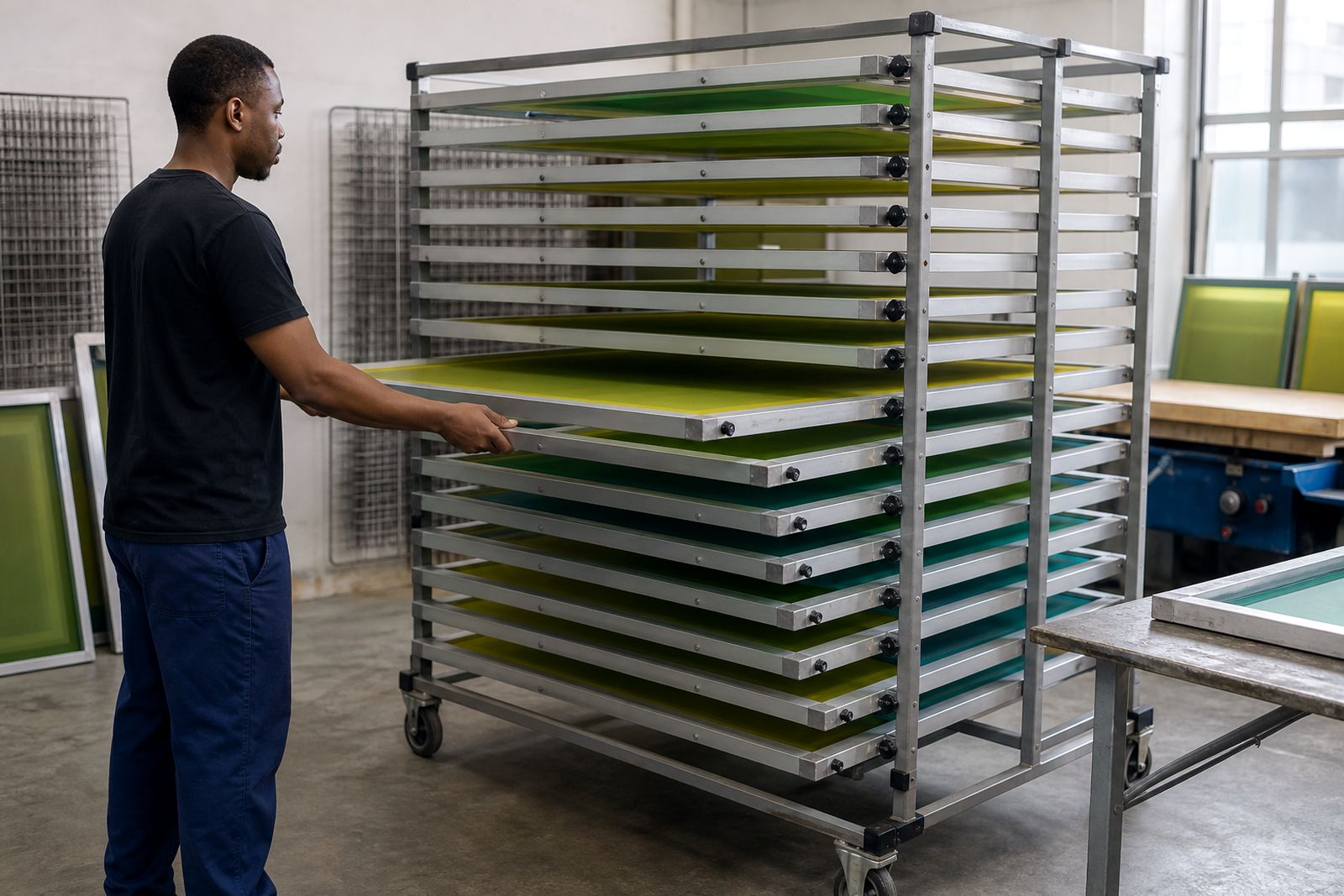
The best screen rotation system is the one your team can follow every day, even when the order book is full. In a busy Gauteng print shop, screens should not just go back on the rack wherever there is space. They need a clear path from new setup to live production, then to inspection, then to storage or re-stretching. If that path is marked, wear shows up sooner and you catch it before a job is affected.
Many shops use a simple label system by mesh count, frame size and job type. That makes it easier to match a screen to the right use, whether you are printing fine detail on a higher mesh count or pushing heavier ink through a lower count for block coverage. Rotating by use, not just by date, helps the team notice which screens are working hardest.
- Group screens by mesh count and frame size
- Keep a clear order from active use to inspection
- Mark screens that are due for tension checking
- Separate general work screens from repeat-job screens
When screens are rotated in a steady order, a tired screen is easier to spot. A slight drop in tension, a faint image ghosting issue or a small pinhole can be handled before it turns into wasted stock and reprints.
Check Tension Before You Put a Screen Back Into Service
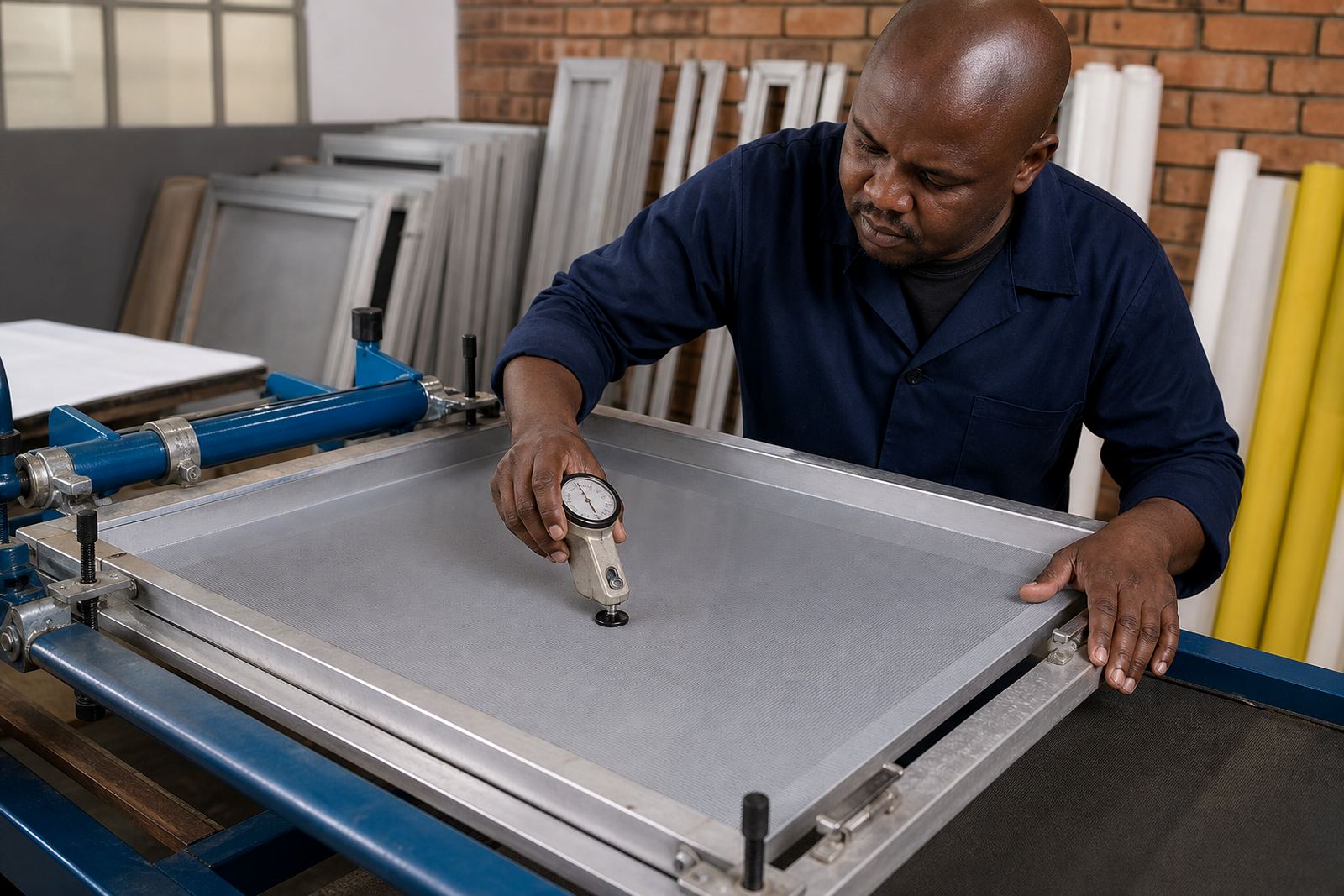
Tension is one of the first things to drift when a screen has had a hard run. Heat, cleaning methods and repeated use can all affect the mesh. If a frame goes back into production without a proper check, the result can be poor detail, uneven deposits or registration that starts to wander. That is where screen rotation helps the most, because it creates a natural point to inspect rather than leaving it to guesswork.
For shops in coastal areas like Durban and Gqeberha, humidity can make screens behave differently from week to week. Inland, dry air and dust can also affect how a screen ages. A quick tension check before the screen goes back into the line lets you pick up those changes early. If the mesh feels tired or the print edge is losing crispness, it may need re-stretching rather than another full production cycle.
- Check tension after a job run, not only before printing
- Compare the feel of the mesh across the whole frame
- Look for corners that have started to slacken
- Set aside any screen that feels inconsistent on the squeegee
A screen with uneven tension will often give you a warning before it fails. The trick is not to ignore that warning. Put it on the inspection pile and decide whether it needs cleaning, repair or full re-stretching.
Let Mesh Count Match the Job Before Wear Shows Up
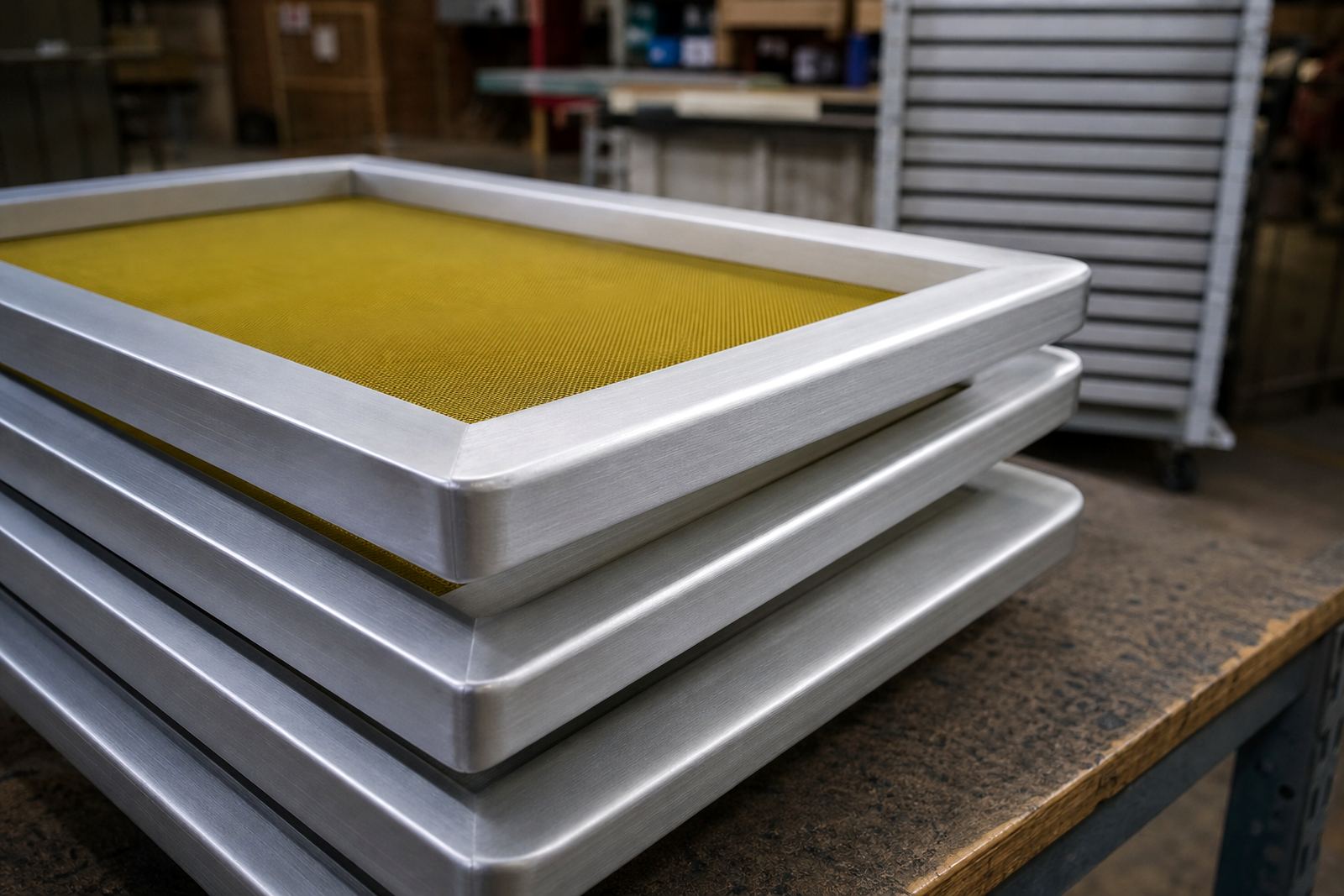
Mesh count matching is not only about print detail, it is also part of screen rotation. A screen used on the wrong type of job can age too quickly for the task it is then expected to do. For example, a fine mesh used repeatedly on heavy ink work may clog faster, while a lower count screen used on detail work may show wear in the wrong places because it is being pushed outside its normal role.
When your stock of screens is organised by mesh count, you can rotate them into jobs that suit their condition. That helps keep the shop efficient and gives each screen a proper working life. It also reduces the chance of forcing a screen into a job it cannot handle cleanly.
- Use fine mesh screens for detail where needed
- Use lower counts for heavier ink deposits
- Keep a record of which mesh has been through repeat runs
- Retire screens that no longer hold a clean edge
In a Johannesburg or Pretoria shop, where job turnaround can be tight, this kind of matching can save a lot of trouble. The screen that has already done the hardest work should not be the one you choose by default just because it is closest to the press.
Inspect Frames and Mesh Bonding During Down Time
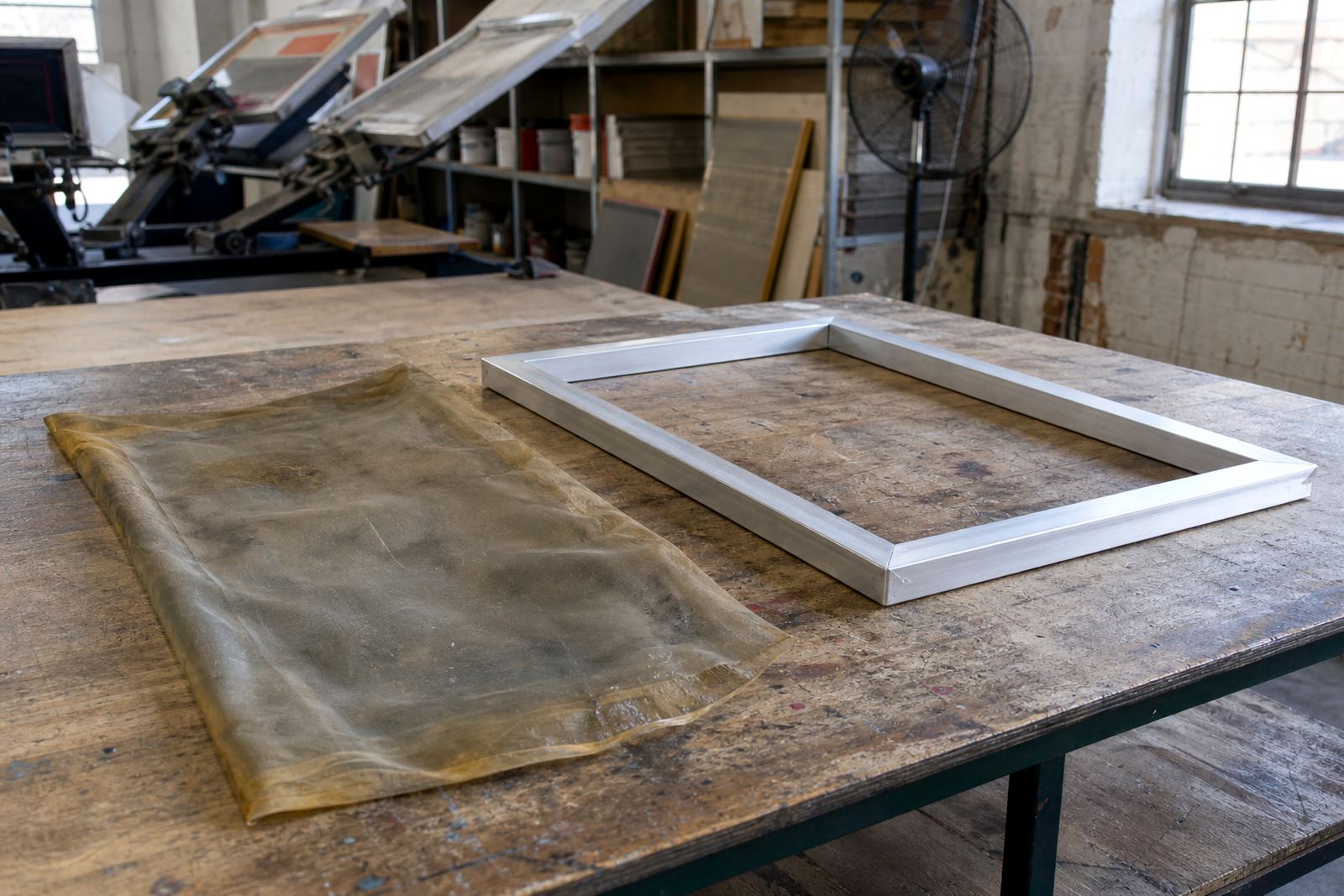
Frame rotation should include a proper look at the frame itself, not only the mesh. Aluminium frames can stay serviceable for a long time, but the bonding area and corners still need attention. If a frame starts to flex, if the bond line lifts, or if old adhesive builds up in the wrong places, the screen may not hold tension properly on the next run.
Use quiet periods to check frames that are off the press. Clean prep matters here. Dust, ink residue and tape build-up can hide faults and make a good frame look fine when it is not. A quick visual and hands-on inspection can prevent a screen from being sent back into production when it really needs new stretching or a clean-up first.
- Look at the bond between mesh and frame edge
- Check corners for movement or stress marks
- Remove old ink and adhesive before storage
- Separate frames that need re-stretching from ready-to-use stock
This is also where repeat-order work benefits from discipline. If a frame has already had several rounds of use, note it and rotate it differently. That keeps the better frames in the right jobs and gives weaker ones a chance to be assessed before they fail mid run.
Build a Small Local Example Into Your Routine
Take a Germiston shop that is running a mix of local retail work and repeat orders for clients in Johannesburg and Midrand. Monday may start with a fine-detail job, Tuesday with a heavier coverage print, and by Wednesday the same screens are already carrying different kinds of strain. If the screens are rotated without a system, the team can miss the early signs of wear because everyone is focused on getting the next job on the press.
A simple routine helps. After each job, place the screen in the correct rotation lane, note the mesh count, and check whether the tension still feels even. By the time the screen reaches the inspection point, the team already knows its recent history. That makes it easier to decide whether it should go straight back into work or be set aside for frame cleaning, mesh matching or re-stretching.
For shops supplying Durban, Cape Town and Gqeberha, this habit also helps with dispatch planning. Screens that are not ready should not be mixed in with those that are. It sounds simple, but that small bit of order keeps a workshop from sending out a screen that is going to fail after two prints.
Keep a Short Rotation Check List on the Wall
When a system is easy to see, staff are more likely to follow it. A wall check list near the screen area can keep rotation practical and consistent, especially when the team is stretched across setup, packing and dispatch. It does not need to be complicated. A few clear steps are often enough to keep wear visible before it starts affecting the job.
Use a check list that covers the condition of the mesh, the tension, the frame and the job history. If a screen has been used heavily, or if it has been cleaned and stored more than once, that should be visible at a glance. The aim is to make the next decision easier, not to create extra admin.
- Confirm mesh count and frame size
- Check tension and bond condition
- Note any visible wear, staining or ghosting
- Send tired screens to re-stretching or repair
When rotation is simple, everyone in the shop can follow it. That matters in Gauteng and across South Africa, where jobs can come in fast and production time is often tight. A screen that is handled in the right order lasts longer and causes fewer problems when the press is busy.