
Start With the Screen Specification, Not the Job Name
When you order a replacement screen, the job name alone is never enough. A screen that once carried a one colour logo may later be used for a different artwork, but the frame size, mesh count, tension and stencil area still need to match the press and ink system it will sit on. That is why the best reorders begin with the screen specification, not a memory of what was printed on it last time.
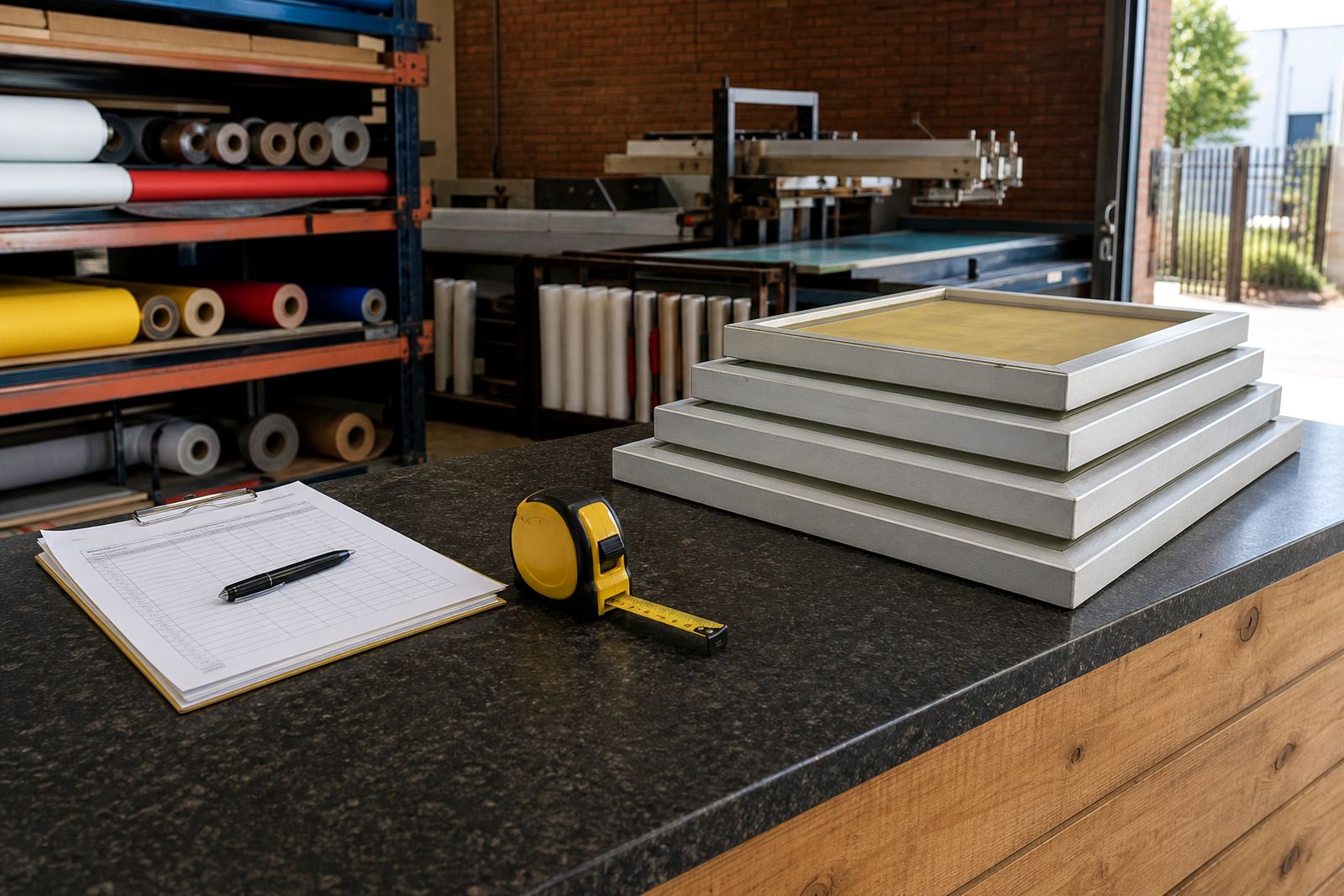
For standard reorders, shops should keep a simple record for each screen. Note the frame outer size, mesh count, mesh colour if it matters to exposure, and whether the screen was supplied as a new stretch or a re-stretch. If the screen is used for fine detail, halftones or tight register work, keep the target tension on file too. Those small details make a big difference when you need the screen back in circulation without trial and error.
What to Record for Mesh Count Matching
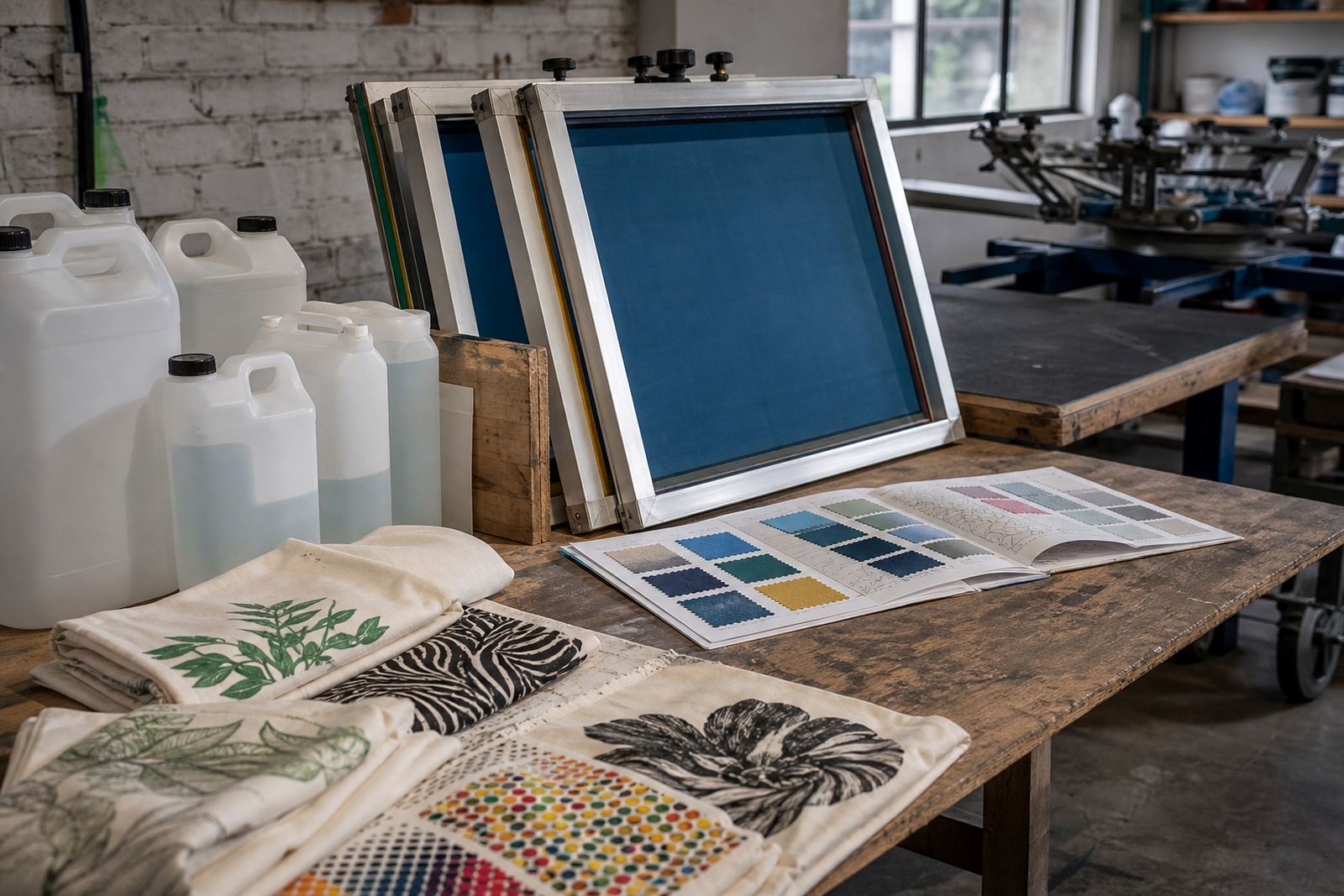
Mesh count matching is one of the most useful parts of a reorder. In screen printing, the mesh count affects ink deposit, detail hold and how the print behaves on different substrates. A coarse mesh suits heavier deposits and more open artwork, while a finer mesh is often better for detail, halftones and thinner ink layers. If a screen has been working well for a particular substrate, match the replacement to that known setup instead of guessing.
- Mesh count and thread type used previously
- Finished screen size and image area
- Artwork type, such as solid blocks, fine text or half tone work
- Ink type used most often on that screen
- Any notes about print speed, squeegee pressure or drying behaviour
In practice, this saves time when a shop in Germiston or Johannesburg is replacing a screen used for the same repeat order every week. The replacement arrives with the same working characteristics, so the press team can get on with setup rather than re-testing the whole job.
Frame Size, Tension and Stretching Matter More Than Most Shops Think
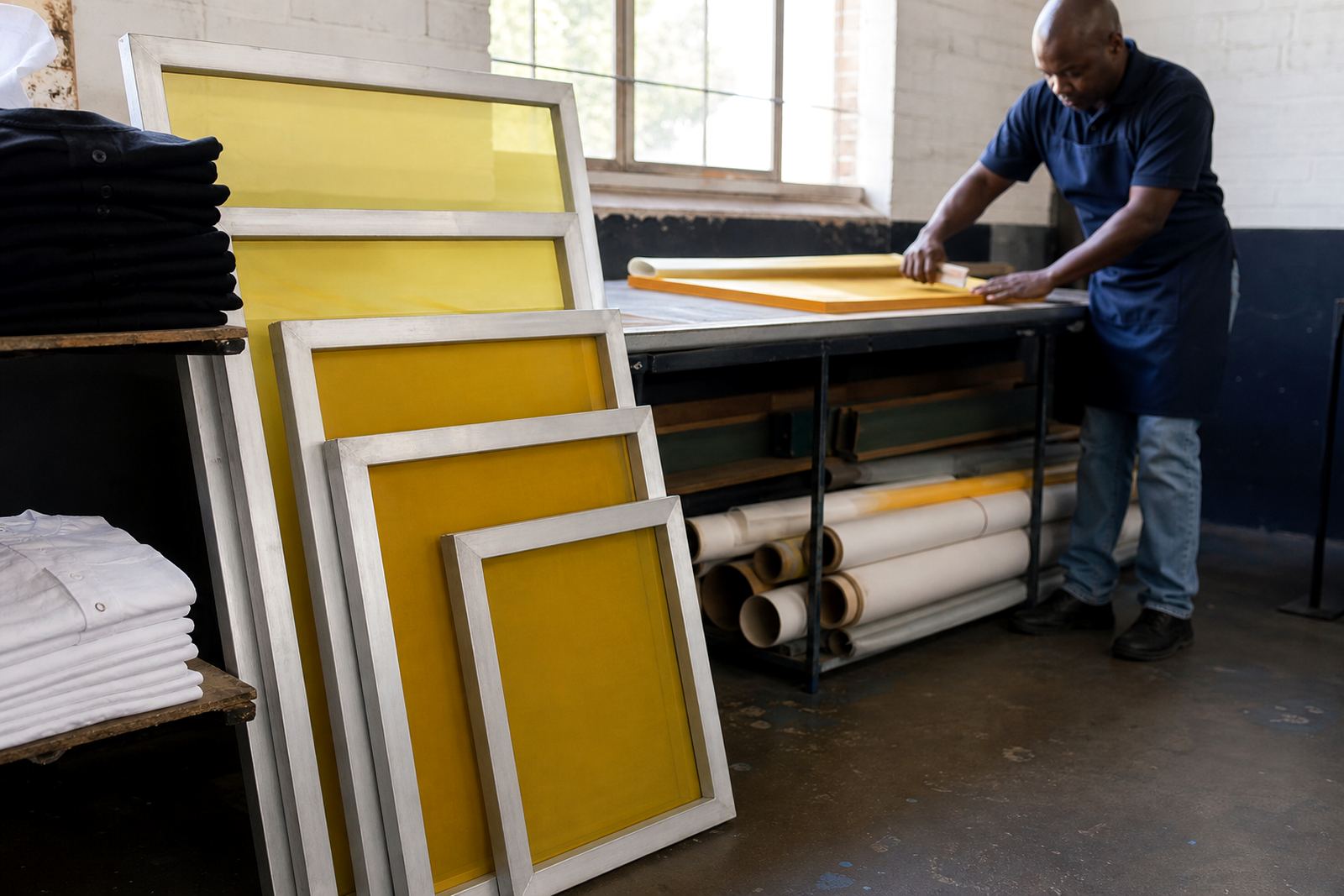
Pre stretched aluminium frames are chosen because they hold tension well and stay light enough for regular handling. But a replacement only works properly if the frame size and tension suit the press and the style of printing. A screen that is too loose will lose registration and print quality. One that is stretched unevenly can give headaches from the first pull.
Good reorder notes should include whether the screen needs new stretching or re-stretching, plus any preference for tension checking before dispatch. If a screen is used in a shop that runs long shifts, or in coastal areas where humidity can change through the day, a stable stretch is even more important. Durban, for example, can be harder on stored screens than inland areas because moisture affects how screens behave in storage and on press.
For replacement orders, it also helps to note the mounting style and any clearance issues around clamps, platens or press arms. A screen can be technically correct and still be awkward on the machine if the dimensions were not recorded properly the first time.
Check the Screen Before You Ask for Another One
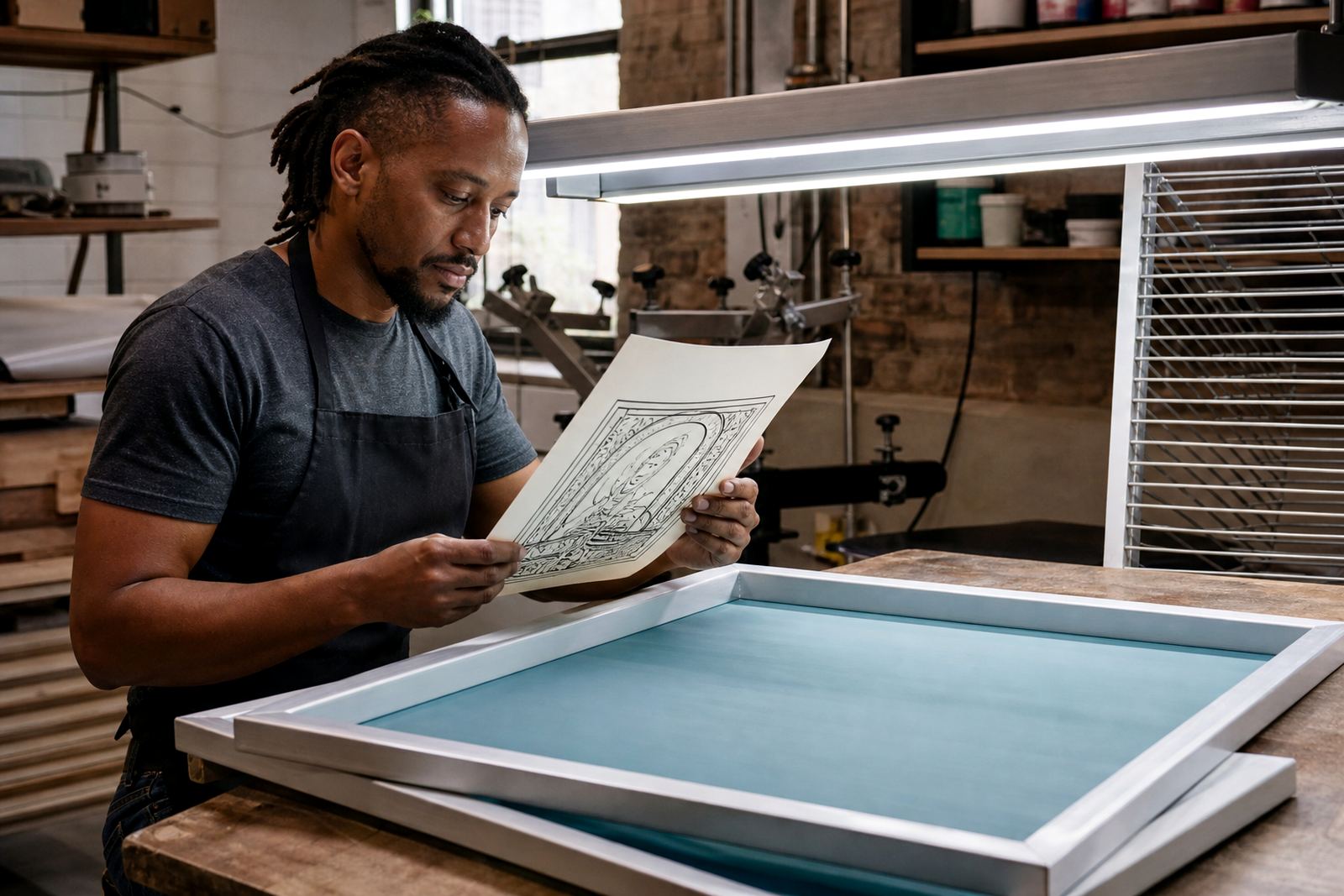
Before placing a replacement order, it is worth inspecting the old screen carefully. Sometimes what looks like a simple replacement actually needs a frame clean prep, mesh bonding check or full re-stretch. If the mesh has lost tension but the frame is sound, re-stretching may be the better option. If the mesh is damaged, torn or contaminated, a new stretch is usually the smarter route.
- Check for frayed mesh edges and lifting at the bond line
- Look for warped corners or bent frame sections
- Inspect the stencil area for ghosting or blocked mesh
- Confirm the screen still fits your current press setup
- Note any print faults that started before the screen was retired
That kind of check avoids repeat problems. It also means the next screen can be set up with more confidence, especially where a shop uses the same standard screen across multiple jobs and needs consistency from week to week.
How to Place a Clean Reorder From Germiston to the Rest of the Country
From our base in Germiston, we supply replacement screens to print shops across Johannesburg, Pretoria, Durban, Cape Town and Gqeberha, as well as the East Rand and Midrand. A clear reorder makes packing and dispatch much faster. The most useful information is usually already in the shop's own records, so it pays to keep one sheet per screen or a simple digital log that can be found quickly when an order comes in.
For a clean reorder, include the screen name used internally, the exact frame size, mesh count, whether the screen needs stretching or re-stretching, and whether you want batch screen prep before dispatch. If the screen is part of a repeat service job, mention that too. This helps keep the new screen aligned with the old one and reduces the chance of delays once it reaches the shop floor.
A practical example is a garment printer in Pretoria that uses the same screen for repeat one colour work every month. If the team records the mesh count, frame size and preferred tension after the first successful run, the next reorder is straightforward. The replacement can be prepared to match the setup already proven on press, which saves time during peak periods.
Keep Reorder Notes Where the Shop Can Find Them Quickly
Replacement screens are easiest to order when the notes are practical and easy to reach. Keep the details with the production record, not only in one person's head. If the foreman is off site or the operator has changed, the order should still be easy to place without confusion. That matters in busy print shops where screens are moved, cleaned and stored by different people across the week.
A simple reorder file should cover the basics and the small extras that often get forgotten. The aim is not paperwork for its own sake. It is to make sure the next screen arrives ready for use, with the right fit and the right print behaviour for the job at hand.
- Screen ID or internal job reference
- Frame dimensions and image area
- Mesh count and tension preference
- New stretch or re-stretch requirement
- Any notes on inspection, packing or repeated use
If you keep those details handy, ordering replacements becomes much simpler. It also helps shops manage stock more carefully, which is useful when turnaround times are tight and production cannot stop waiting on one missing screen.