
Why bag printing needs a different screen approach
Tote bags, drawstring bags and fabric pouches usually have a flatter print area than a T shirt, but they can still give trouble if the screen is not matched to the job. The weave of the fabric, the thickness of the ink and the size of the artwork all affect how much ink passes through. On a loose canvas bag, for example, a mesh that is too open can leave heavy deposits and a rough finish, while a mesh that is too fine may starve the print and make solid areas look patchy.
For most bag work, printers look for a balance between detail and coverage. Simple one colour logos often print well with medium mesh counts, while finer text or linework may call for a tighter mesh and better tension control. If the bag has seams, folds or a gusset, the screen also needs enough stability to handle a few uneven passes without dropping off registration. That is especially important when a shop is doing repeat orders for promotional bags and every batch must match the last one.
Choosing mesh count for cotton, canvas and blends
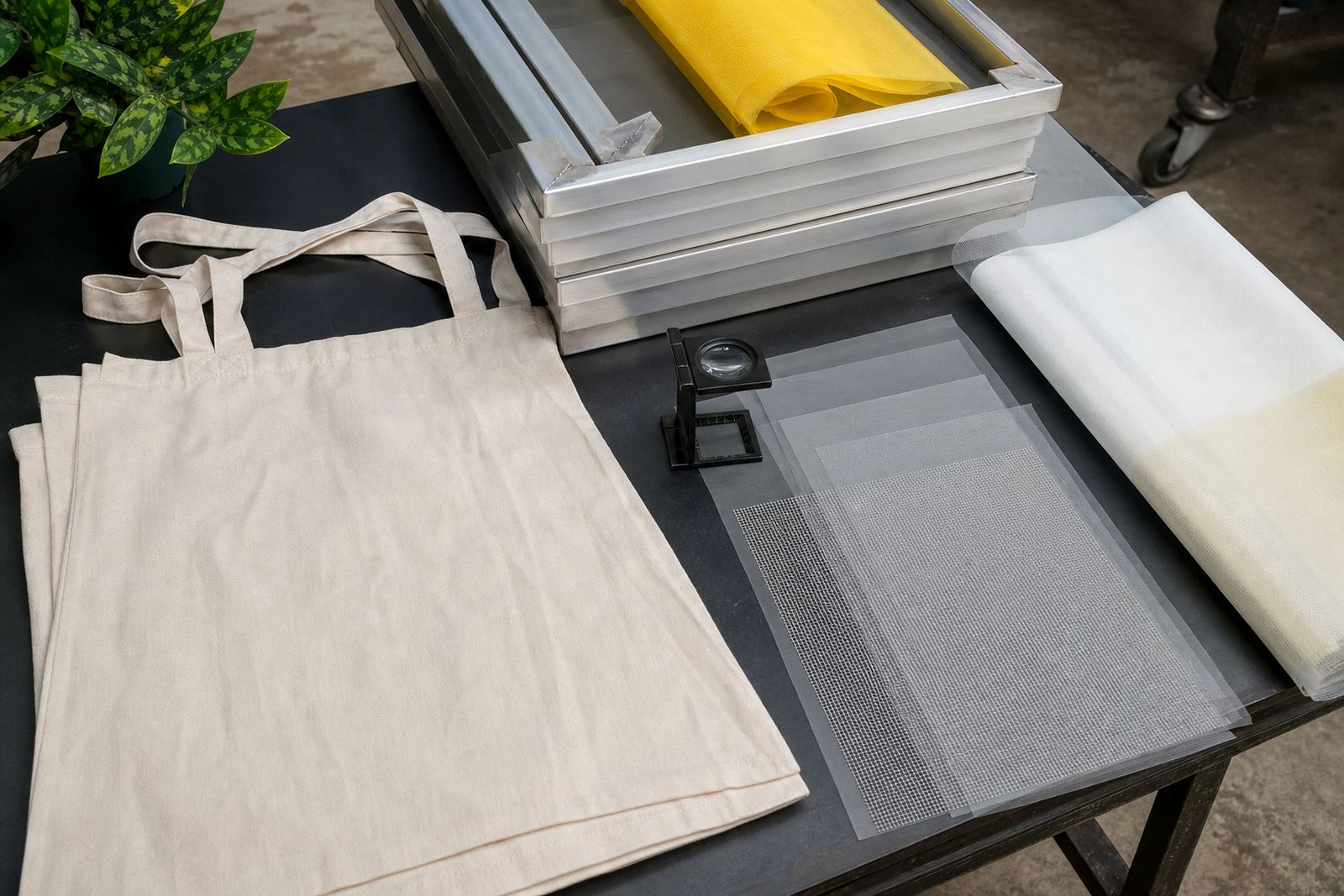
Mesh count is one of the first decisions to get right. A lower count lets more ink through and is often used for heavier deposits, block colour and thicker inks. A higher count gives cleaner detail and is better for fine type, halftones and small artwork. For bags, printers often choose mesh based on the actual fabric rather than the product name alone, because a light cotton shopper and a heavy canvas carry bag do not behave the same way on press.
Here is a practical way to think about it:
- Use a lower or medium mesh count when you need a fuller print on coarse fabric or when the artwork is bold and simple.
- Use a medium to higher mesh count when the design has smaller lettering, fine lines or tighter detail.
- Match the mesh to the ink body, since thicker inks usually need a more open screen to move properly.
- Check how the fabric absorbs ink, because some blends hold the print on the surface while others pull ink into the fibres.
On tote bags sold for retail, schools or event packs, the aim is usually a print that looks neat from a few metres away but still holds up close. A screen that is too open can make edges bleed. A screen that is too tight can leave the impression underfed and dull. The best result is usually found by testing on the exact bag stock before the full run starts.
Frame tension matters more than many shops think
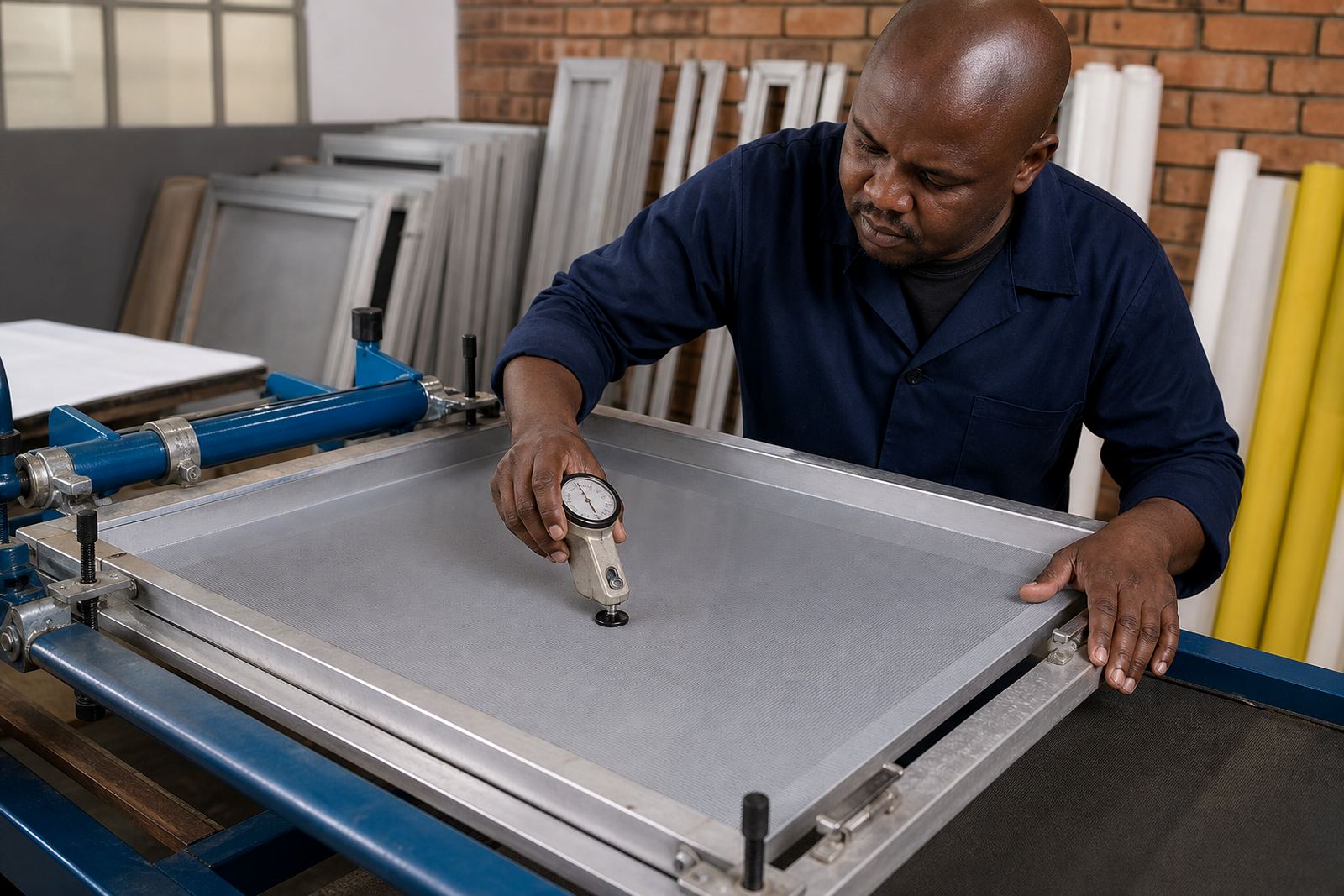
Good mesh alone is not enough if the frame is not stretched properly. Tension affects how the squeegee moves, how sharply the mesh snaps back and how well the print holds registration from bag to bag. For bag work, where the print area may sit close to a seam or handle stitch, steady tension helps keep the image square and reduces movement across the run.
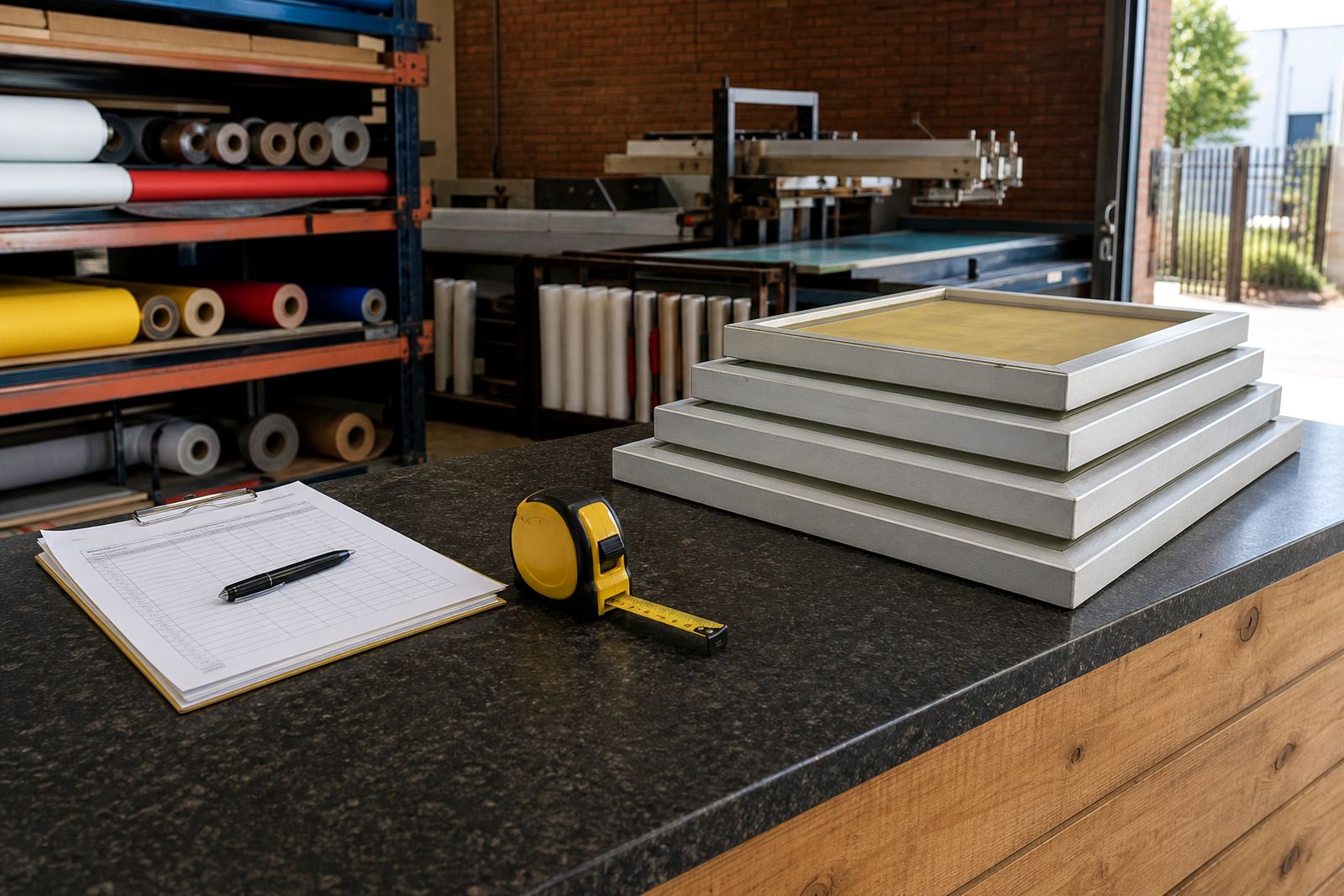
Pre stretched aluminium frames are popular because they stay straight and handle repeated use well in a busy print shop. A sound frame should hold tension evenly across the full area, not just in the middle. If one side is softer than the other, ink deposit becomes uneven and the print may show a thicker edge on one side. That can become obvious on a plain tote bag where there is little else to distract the eye.
Before production, a quick tension check is worth the time. If the screen sounds dull in one corner or the mesh has started to relax after repeated use, it may be time for re stretching or replacement. In Gauteng, where a shop may run long days during load shedding and then push extra jobs when power returns, screens often get more handling than usual. That extra use can show up in the frame if it is not checked regularly.
How fabric bags react to ink and pressure
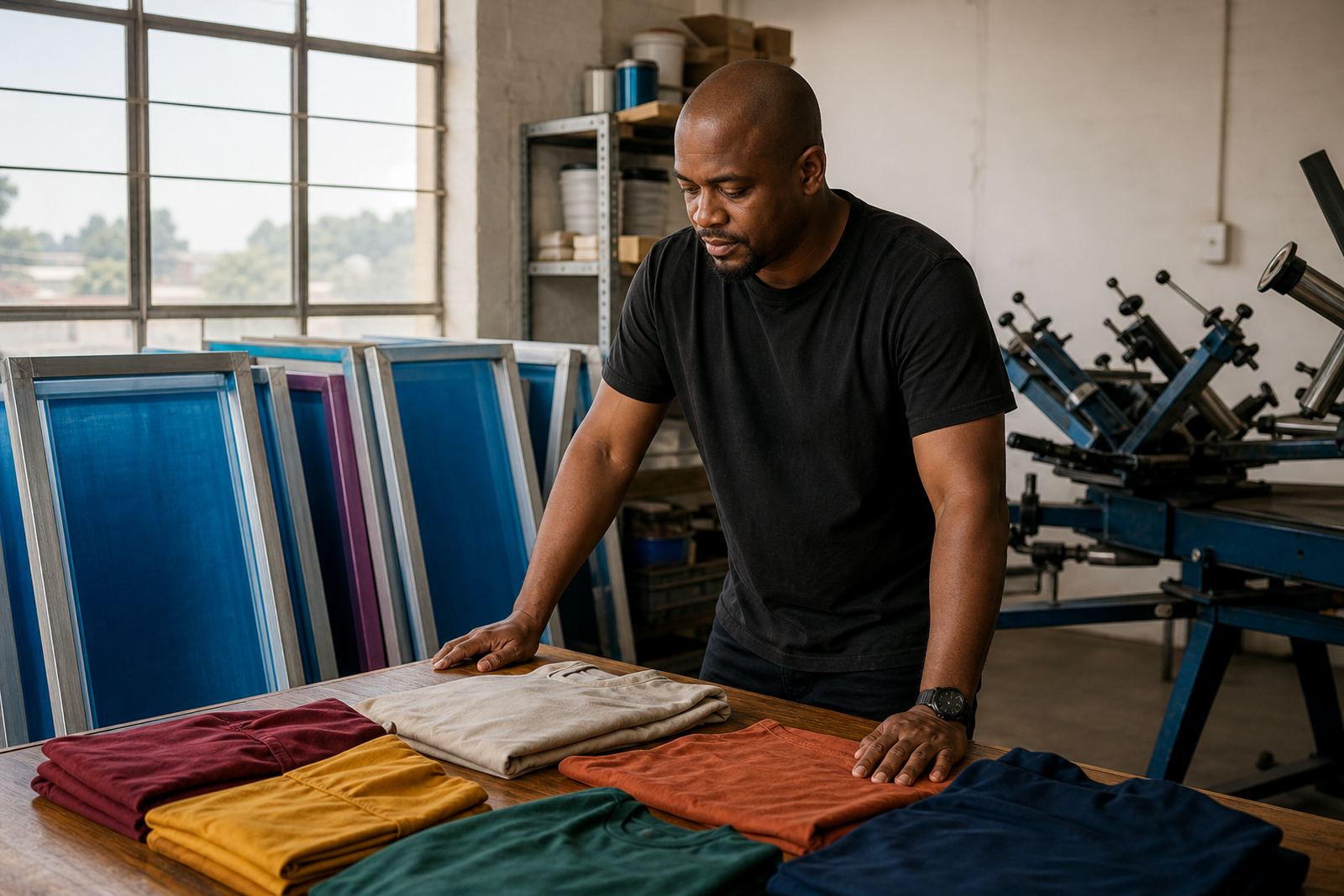
Fabric accessories can shift under pressure, especially when the bag is thin or loosely woven. That means the screen setup has to work with the material instead of fighting it. A firm pallet surface, a clean off contact setting and consistent pressure all help the print sit where it should. If the bag is too soft or wrinkled, the ink can spread unevenly and the detail starts to blur.
Consider the finish you want before choosing the mesh:
- For a soft feel on light bags, use a screen that allows controlled ink release and avoid over flooding.
- For strong colour on natural cotton, use a setup that can deliver enough ink without forcing it into the weave.
- For darker bags, check opacity early so the underbase or top layer is not too thin.
- For bags with zips, folds or straps, plan the print position so the screen clears the hardware cleanly.
Clean screen prep also helps. Dust, dried ink and poor bonding can create little defects that show up quickly on a plain bag front. A tidy screen and a well bonded mesh make it easier to hold edges, especially around small logos and curved lettering.
Batch consistency for repeat bag orders
Many shops print bags in batches for promotions, schools, retail launches and community events. The challenge is not just making one good print, but making the twentieth and the two hundredth match the first. That is where mesh count matching, tension checking and repeat setup notes come in. If a job comes back months later, the shop needs to know what mesh and frame setup were used before so the new run looks the same.
It also helps to inspect the screen before each batch. Check for pinholes, mesh wear, loose corners and any damage from cleaning chemicals. Small faults can turn into larger issues once the squeegee pressure starts. A screen that looked fine on a test print can still fail halfway through a run, and that is costly when the bags are already packed and ready for dispatch.
For printers supplying outlets across Johannesburg, Pretoria or Durban, consistency saves time in the workshop and reduces rework. It also helps with delivery planning, because a cleaner first run means fewer returns, less sorting and less pressure on the packing team.
A practical Germiston example for tote bag jobs
A print shop in Germiston taking on a run of canvas shopper bags for a market in Cape Town might want a clean one colour logo with small text underneath. The artwork is simple, but the bag itself is fairly textured, so the screen choice matters. A mesh that is too fine may give a weak image on the first pass, while a screen that is too open may leave the small text soft around the edges. The better route is to test a mid range mesh on the actual bag stock, then adjust tension and pressure before the full run starts.
That same shop may also be printing a smaller pouch order for Gqeberha or a reusable event bag for Pretoria. In each case, the mesh should match the product, not just the artwork file. Screen setup advice, frame clean prep and mesh bonding all support that outcome. When the screens are stretched correctly and stored properly between jobs, the shop can move faster on repeat orders and keep the quality steady even when deadlines are tight.
For bag printing, the best results usually come from simple preparation, clear notes and screens that are matched to the fabric. It is not about overcomplicating the setup, it is about getting the basics right every time.