
What mesh count really changes on press
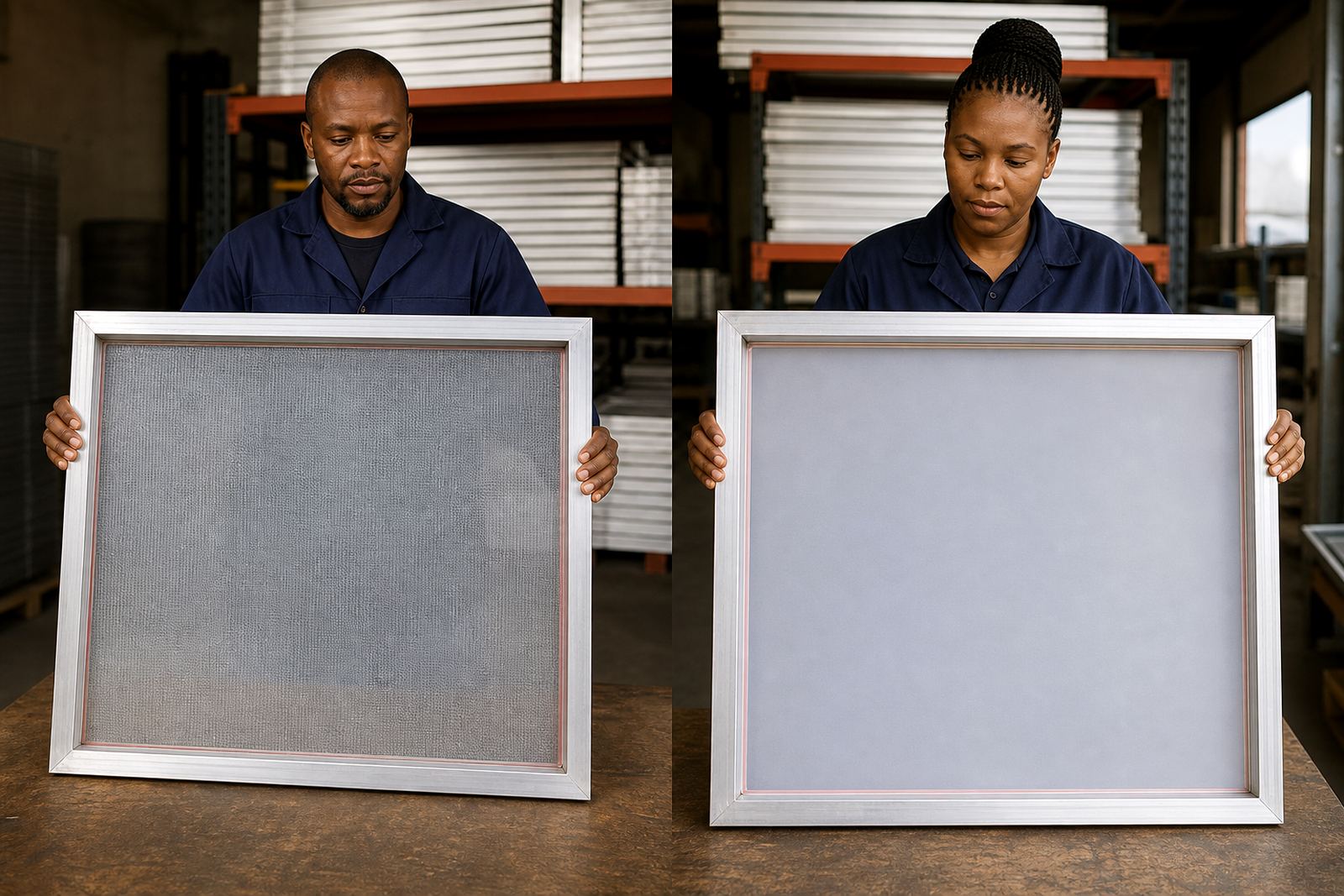
Mesh count affects how much ink passes through the screen and how sharp the image stays. A lower mesh count opens the weave more, which gives heavier ink deposit and works well for bold spot colours, underbases and prints that need a thicker laydown. A higher mesh count holds back more ink, so fine lines, halftones and small text stay cleaner.
It is not only about detail though. Mesh choice also changes squeegee pressure, flash times and how forgiving the print is when the artwork is slightly off. If the mesh is too coarse for the job, you can get fuzzy edges or flooded detail. If it is too fine, the ink may sit on top and the print can look weak or patchy, especially on darker garments.
When lower mesh counts make more sense
Coarser mesh counts are often the practical choice for textile printing where a strong deposit is needed. They suit thicker inks, bold logos, athletic prints and jobs where coverage matters more than tiny detail. In shops around Germiston and the East Rand, these counts are commonly used for straightforward production runs because they are easier to push and easier to keep moving when the order is large.
- Bold spot colour logos on cotton T shirts
- Opaque white underbases on dark garments
- Specialist inks with a heavier body
- Prints where speed matters more than fine detail
There is a point where going too coarse starts to work against you. Very open mesh can leave rough edges on small type, and it may allow too much ink through on thin artwork. If the job has both solid areas and small copy, you may need to separate the screen set-up instead of forcing one mesh to do everything.
Where higher mesh counts earn their place
Higher mesh counts are better suited to detail work, halftones and thinner ink deposits. They are often used for finer artwork, process printing, soft hand prints and work that must stay crisp under close inspection. A higher count helps control ink flow, which matters when the design includes fine serif text, small registration marks or smooth tonal transitions.
For print shops handling promotional wear, labels or detailed graphic work, the cleaner image from a finer mesh can save time on rework. The print may take a little more care on press because the ink has less room to pass through, but the finish is usually worth it. This is where tension and tension checking become just as important as the count itself.
- Fine text and thin line art
- Halftones and tonal artwork
- Light ink deposits on pale substrates
- Detail work where edge sharpness matters
Tension matters as much as the count
Mesh count alone does not decide print quality. A well-stretched screen with consistent tension gives better snap-off, cleaner release and more even prints across the full image area. If the tension is uneven, even the right mesh count can give trouble. You may see distortion at the edges, inconsistent ink transfer or a screen that starts dropping off after a few pulls.
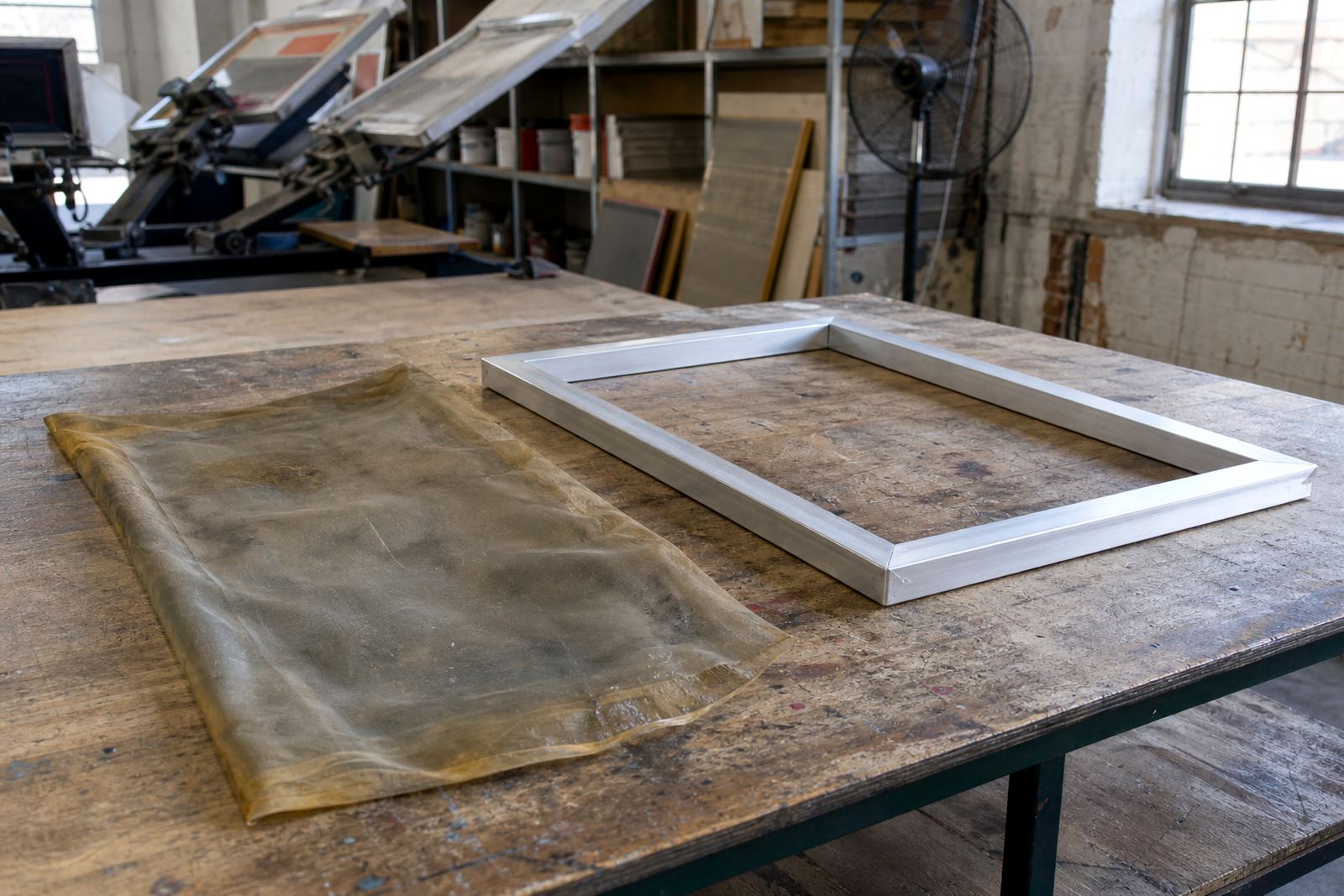
That is why frame stretching and re-stretching are not just workshop tasks, they shape the way the screen behaves on press. Good tension helps the mesh rebound after the squeegee passes, so the print stays sharp and the stencil clears properly. In humid coastal conditions like Durban or Gqeberha, paying attention to stretch quality is especially useful because screens can behave differently from a dry inland shop in Pretoria or Johannesburg.
Matching mesh to the artwork and ink
The safest way to choose is to start with the artwork and then work backwards. Ask what the smallest detail is, how much ink you want on the garment and what the ink body is like. If the design is bold and solid, a coarser mesh may be the better fit. If the artwork includes fine detail, a finer mesh gives you a cleaner edge and more control.
For many print shops, mesh count matching is part of ordinary production planning. You do not want to discover on press that the screen is holding too much ink back or letting too much through. A proper check before exposure or before a repeat order can save a full day of work, especially when the same image has to be run again later with the same look.
- Check the smallest artwork detail first
- Confirm whether the job needs bold coverage or fine lines
- Match the mesh to the ink body and garment colour
- Use repeat orders to keep the same screen spec consistent
A local example from a busy Gauteng run
A Johannesburg printer doing a mix of work for a corporate clothing order and a smaller detailed run may use two different screens rather than trying to force one count across both jobs. The bold front logo can be handled with a lower mesh count for strong coverage, while the sleeve detail or smaller back mark may need a finer mesh for cleaner type. That split approach keeps the print sharper and reduces waste.
For shops supplying clients across Midrand, Pretoria and Germiston, this kind of practical split is often the difference between a job that keeps moving and one that needs constant adjustment. Add in load-shedding, time pressure and screens moving between locations, and it becomes clear why frame prep, batch screen prep and dispatch packing all matter. A screen that is clean, well stretched and correctly matched to the job gives the press operator one less thing to worry about.