
Store Screens Flat, Clean and Out of Direct Sun
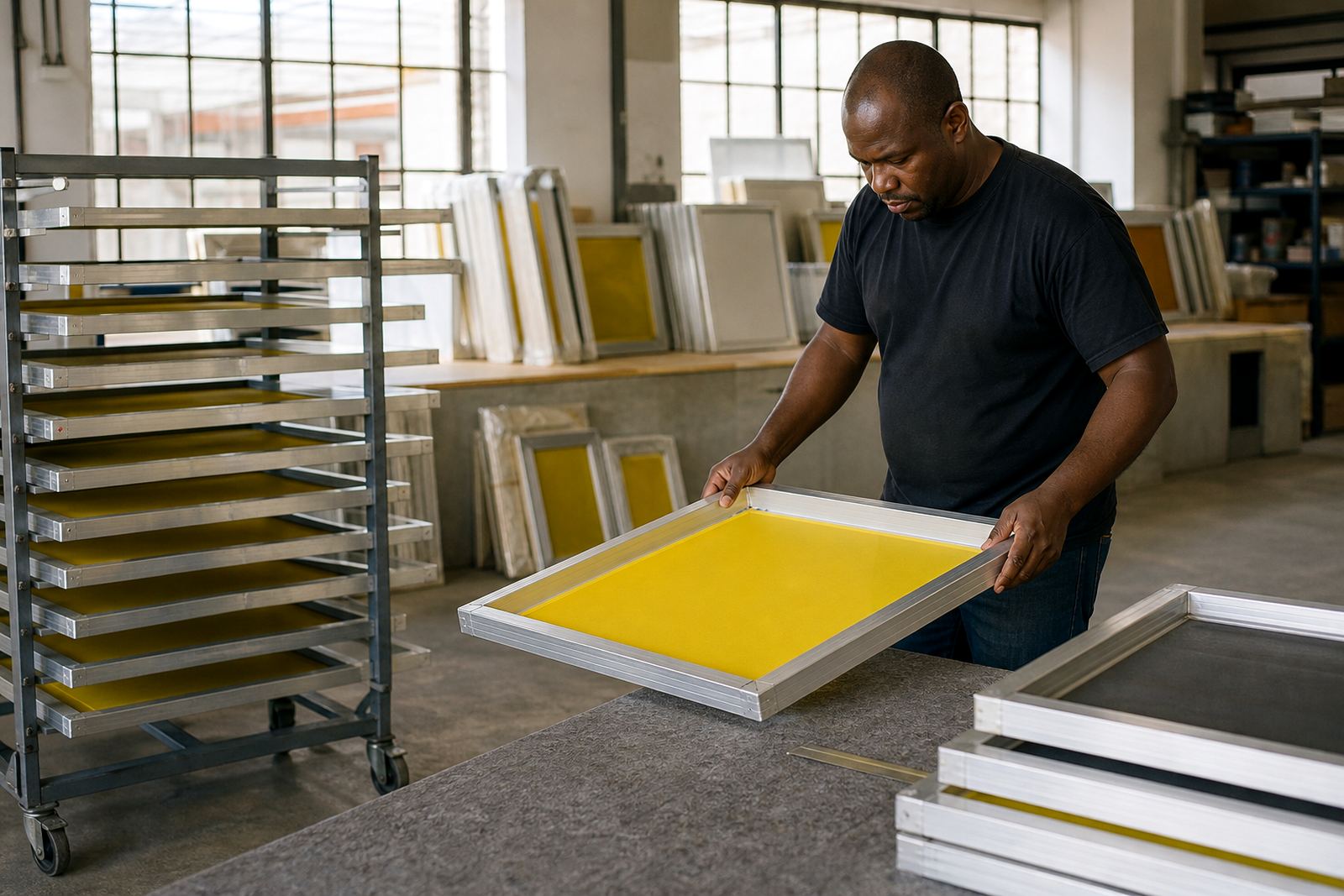
Stretched screens should be stored where they will not flex, twist or pick up dust. A flat rack is best, with enough space so one frame does not press against another. If screens are standing on edge, make sure the support points are even and the stack cannot slip when someone reaches for the next job.
Keep frames away from direct sunlight, heaters and open workshop doors where heat and dust can move across the mesh. In coastal areas such as Durban and Gqeberha, humid air can leave screens feeling damp if they are stored too close together, so allow a bit of air flow around the stack. In Gauteng, dust from traffic and site work can settle on open mesh very quickly.
Handle Frames by the Aluminium, Not the Mesh
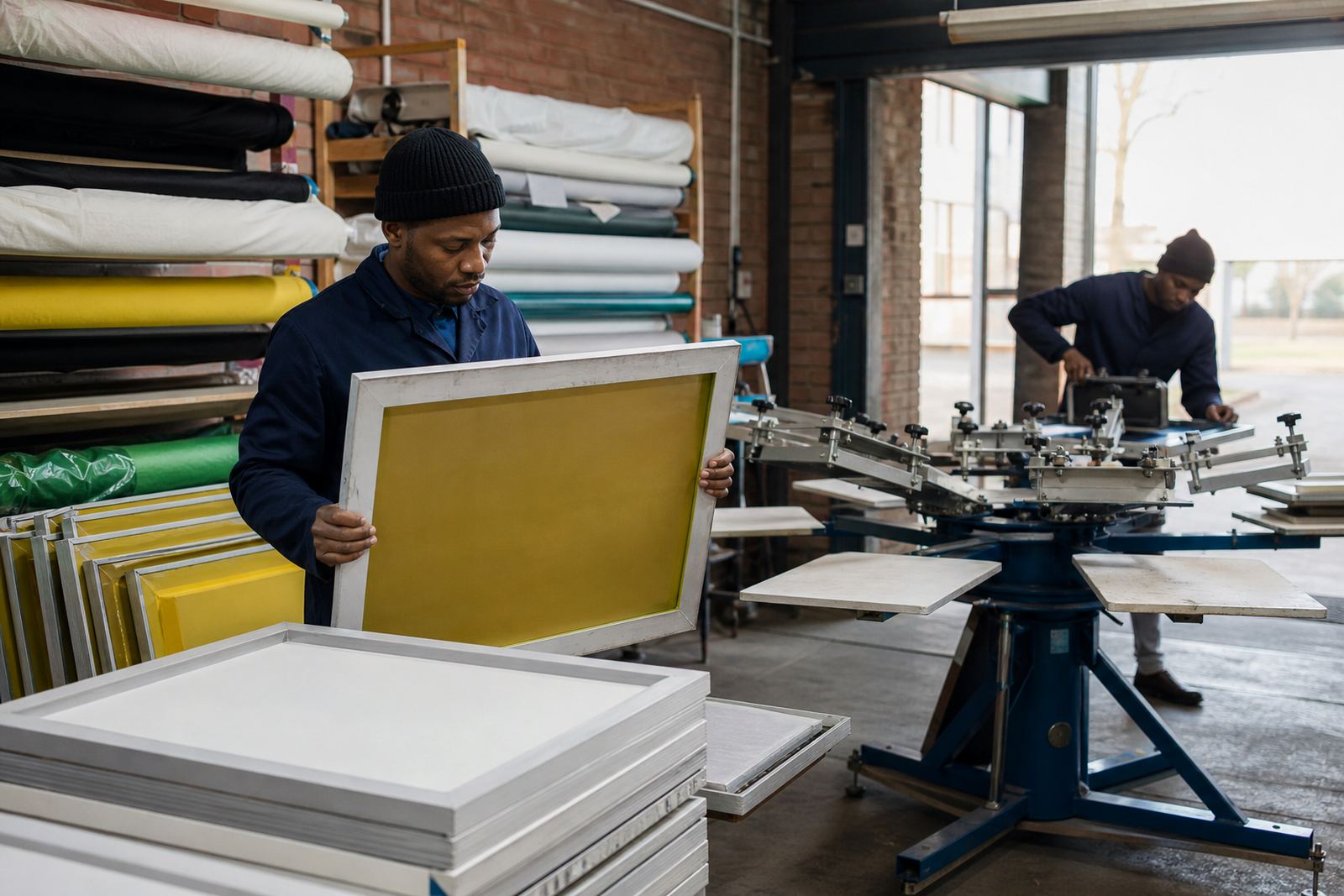
When moving a screen, hold the aluminium frame with two hands and keep the mesh face away from walls, trolleys and sharp edges. Never lift by the mesh or place fingers through the open area because that can stretch the fabric unevenly. A small knock on the corner can also throw a screen slightly out of square, which shows up later as poor registration.
If screens are being carried between the coating area, drying rack and press, use a clear path and do not stack tools or squeegees on top of them. One dropped frame can damage a job and it may not be obvious until the print run starts.
- Carry the frame upright and level
- Keep fingers clear of the mesh face
- Do not slide frames across rough concrete
- Set screens down gently, not onto the corners
Protect Mesh Tension Between Jobs
Good tension is what keeps the stencil sharp and the print consistent. Once a screen has been stretched correctly, it still needs sensible handling so the mesh does not slacken early. Avoid leaving screens under weight, leaning at a steep angle or resting against vibrating machinery.
Before a repeat order, check for small changes in sound and feel. A screen that once gave a firm, even bounce may now feel soft in one corner or across the centre. That is often the first sign that the tension has dropped and the mesh may need re-stretching or replacement. Do not wait until the image starts doubling on press.
Clean Screens Properly After Printing
Cleaning should start as soon as the print run is done. Remove ink according to the ink type being used, then wash the screen with care so the mesh and emulsion do not take unnecessary strain. Harsh scrubbing can damage fine mesh counts and leave the stencil area weak for the next setup.
After washing, dry the screen fully before storage. Leftover moisture can mark the mesh, soften adhesives around the edge and make the frame unpleasant to handle. On busy days with load-shedding or stop-start production, it helps to keep screens in a dry, open area until they are properly ready for the next stage.
- Rinse ink before it cures too hard
- Use moderate pressure when cleaning
- Dry both sides before stacking
- Store only once the mesh is fully clean and dry
Check for Frame Damage, Slack Mesh and Edge Lift
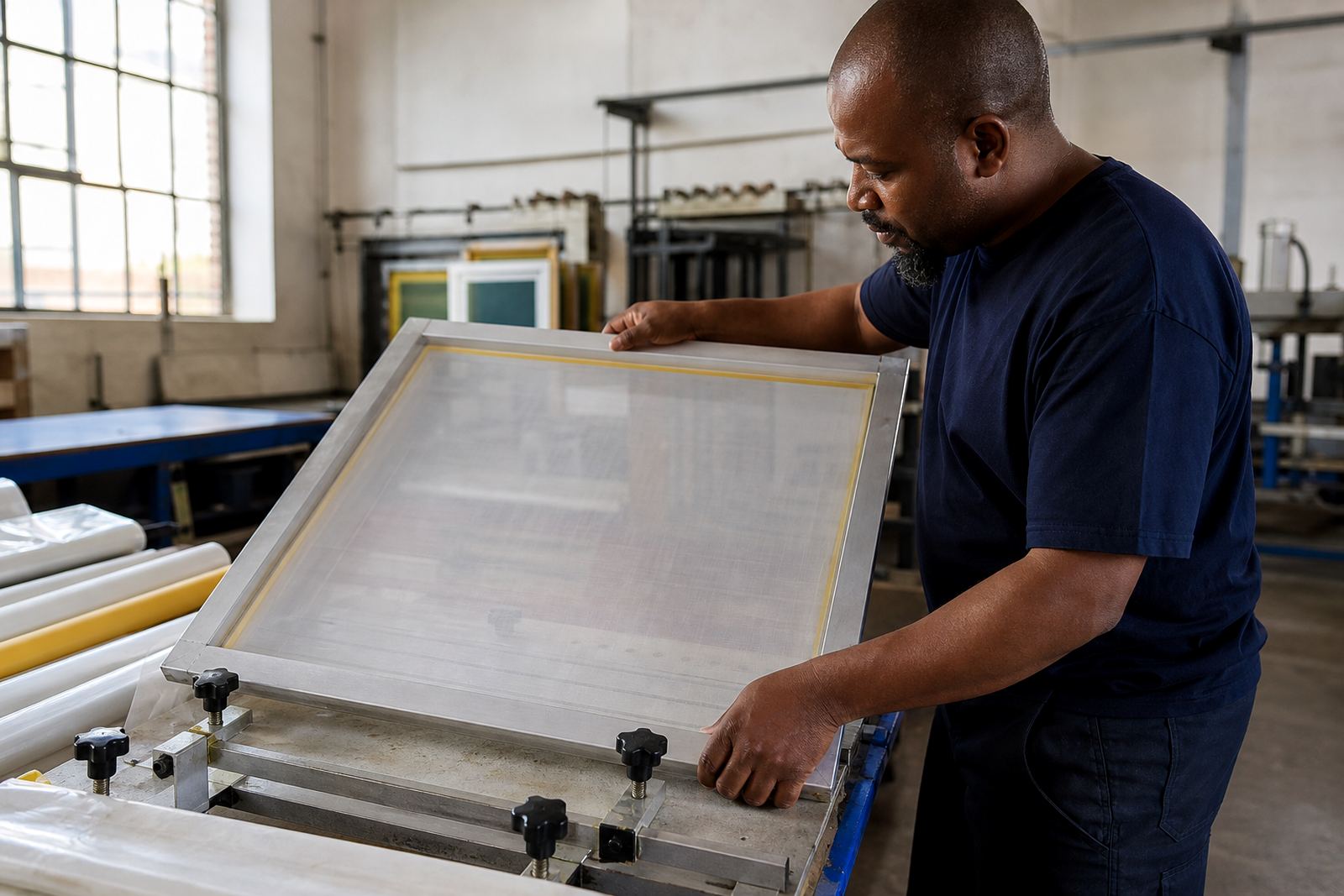
Before a screen goes back into use, inspect the whole frame closely. Look for corners that have lifted, mesh that has started to fray at the edge and any signs of adhesive failure where the mesh meets the aluminium. A small gap may not matter on the first print, but it can spread under pressure during a full run.
If the mesh count no longer suits the job, or if the screen has lost even tension across the surface, it is better to sort it out early. Mesh count matching and tension checking are part of keeping the job consistent, especially when a workshop handles fine detail work and heavier ink deposits in the same week.
Moving Screens Between Shops and Deliveries
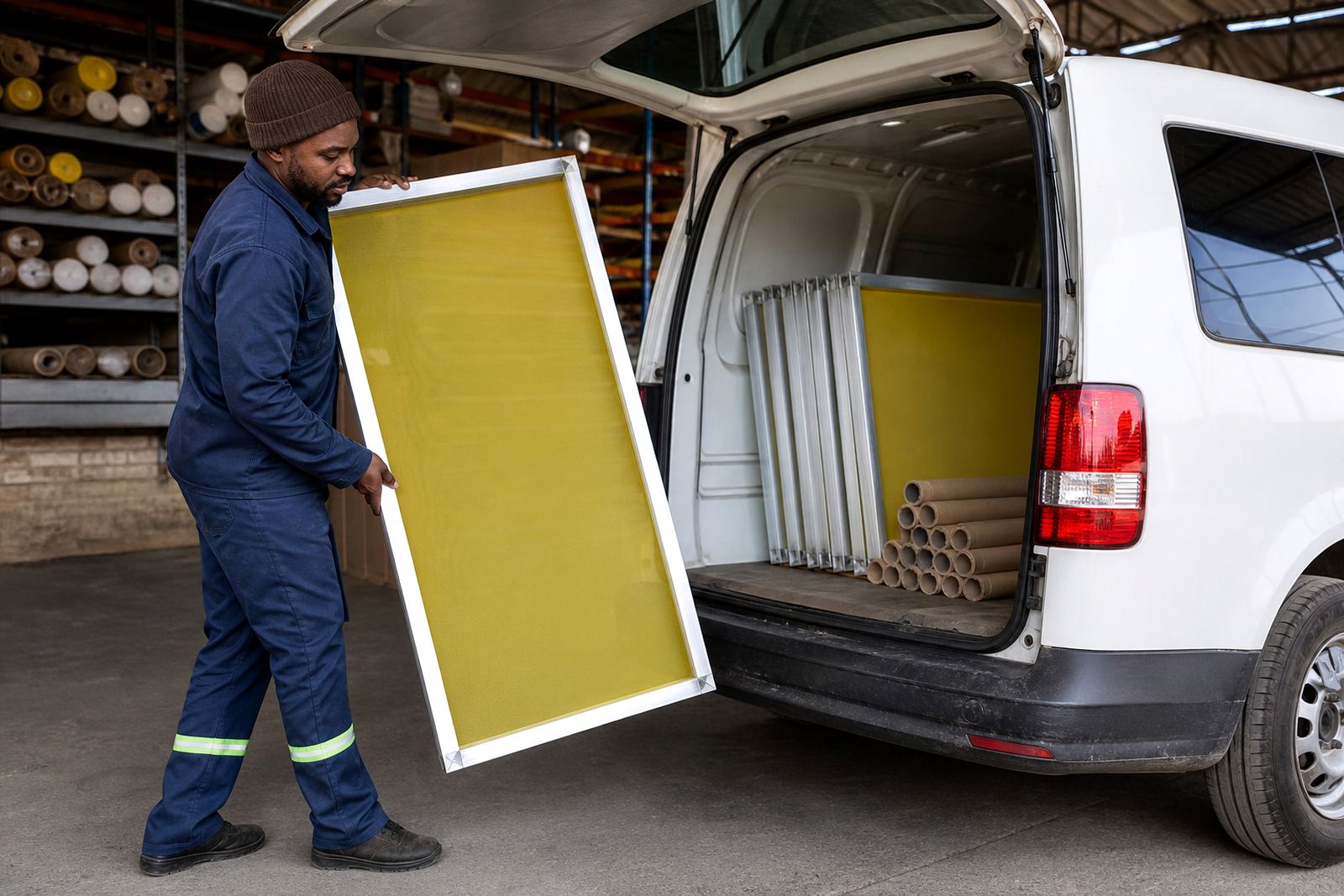
When screens are going out for delivery or moving between branches, pack them so they cannot rub together. A single separator sheet or padded spacer helps prevent corner damage and keeps mesh faces from catching on each other. For longer trips across Johannesburg, Pretoria, Durban, Cape Town or Gqeberha, secure the load so it does not shift under braking or over rough roads.
Do not leave screens uncovered in a bakkie tray or near wet equipment. Road dust, rain and sudden temperature changes can affect how the mesh behaves when it reaches the press. If a screen arrives dirty or damp, clean and inspect it before it joins the run.
- Use spacers between frames
- Secure screens so they cannot slide
- Keep them dry during transport
- Inspect again on arrival before setup
When to Ask for Re-Stretching or a New Frame
Some screens can be re-stretched if the frame is still sound and the aluminium has not distorted. Others are better replaced if the corners are damaged, the frame has twisted or the mesh has become too slack to hold tension properly. A quick inspection from a technical advisor can save time and help you decide whether re-stretching is the right call.
For shops running regular repeat orders, it is useful to keep a simple screen record. Note the mesh count, job type and any issues spotted during cleaning or setup. That makes it easier to match the right screen to the right print and avoid last minute problems on press.