
Why tote bags need a different screen setup
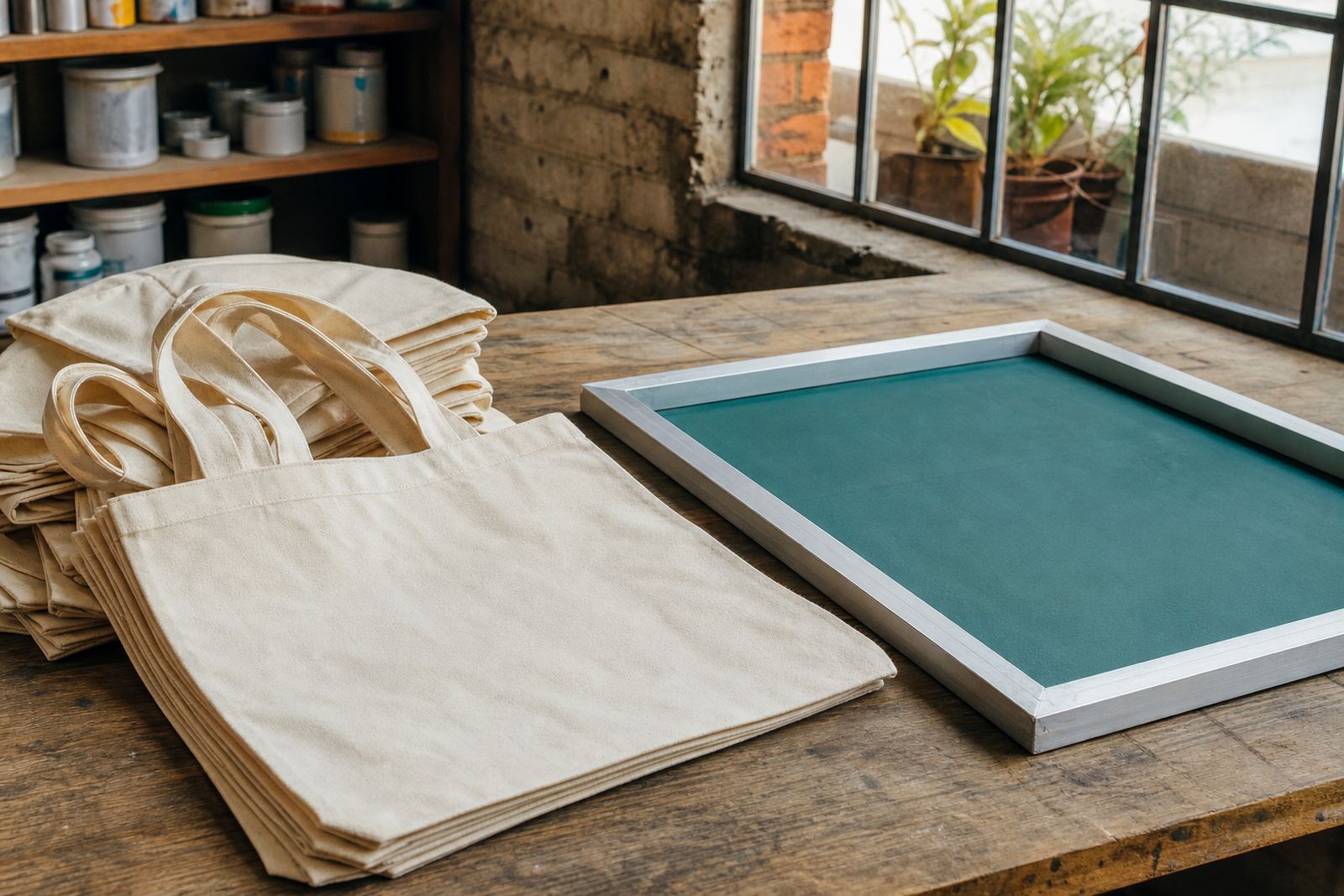
Tote bags are practical items, but they are not always friendly to print. Canvas, calico and blended carry bags can have texture, seams, gussets and uneven folds that change the way ink lands on the fabric. If the bag is soft or lightly stitched, the print area may move slightly during the stroke, which can blur edges or leave pinholes in solid areas.
For that reason, screen printing on tote bags usually starts with stable support. A flat, firm insert inside the bag helps keep the print face even. The screen itself also needs the right mesh count for the artwork and ink body. Fine detail may suit a higher mesh count, while bold logos and strong blocks of colour often work better with a mesh that allows a fuller deposit.
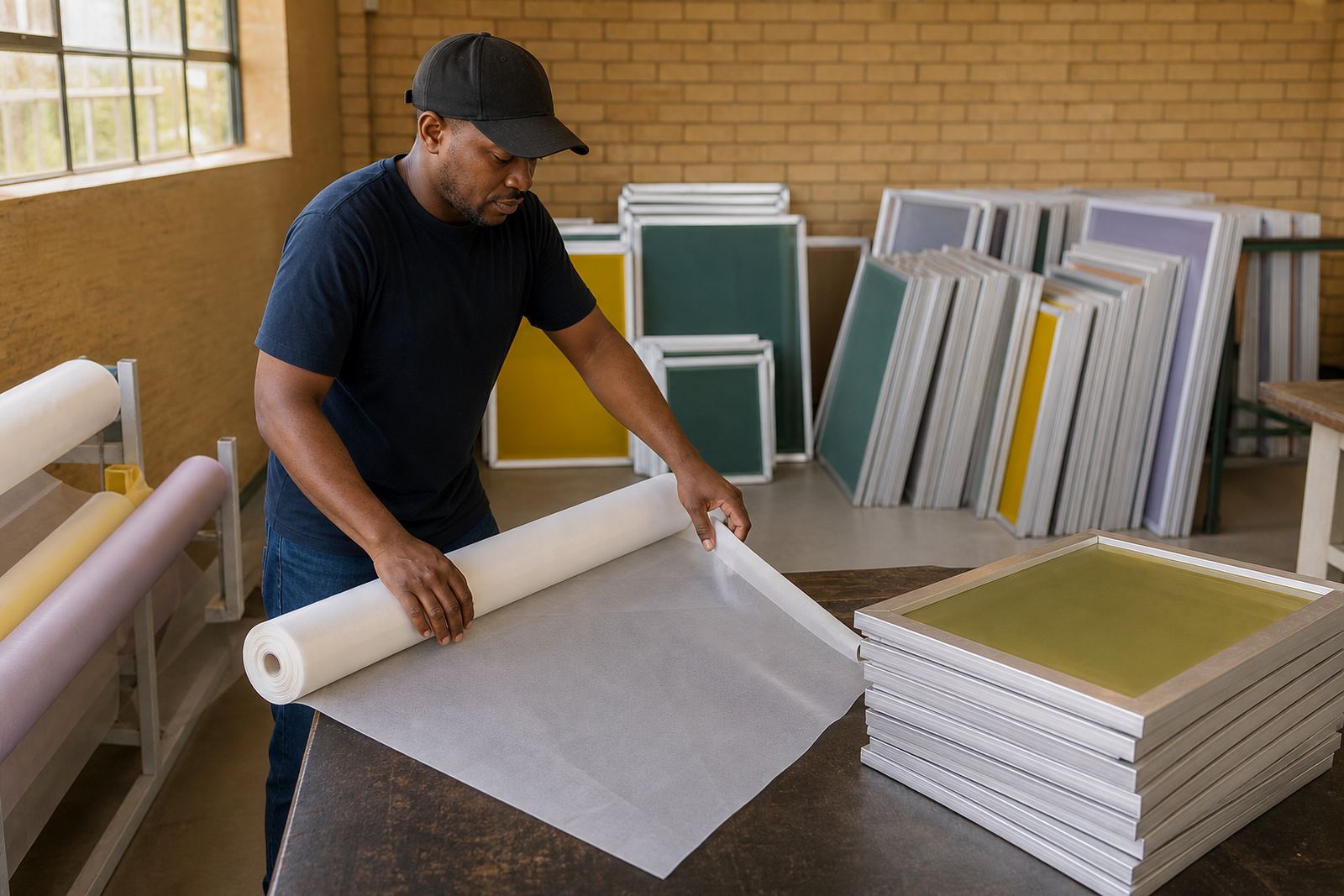
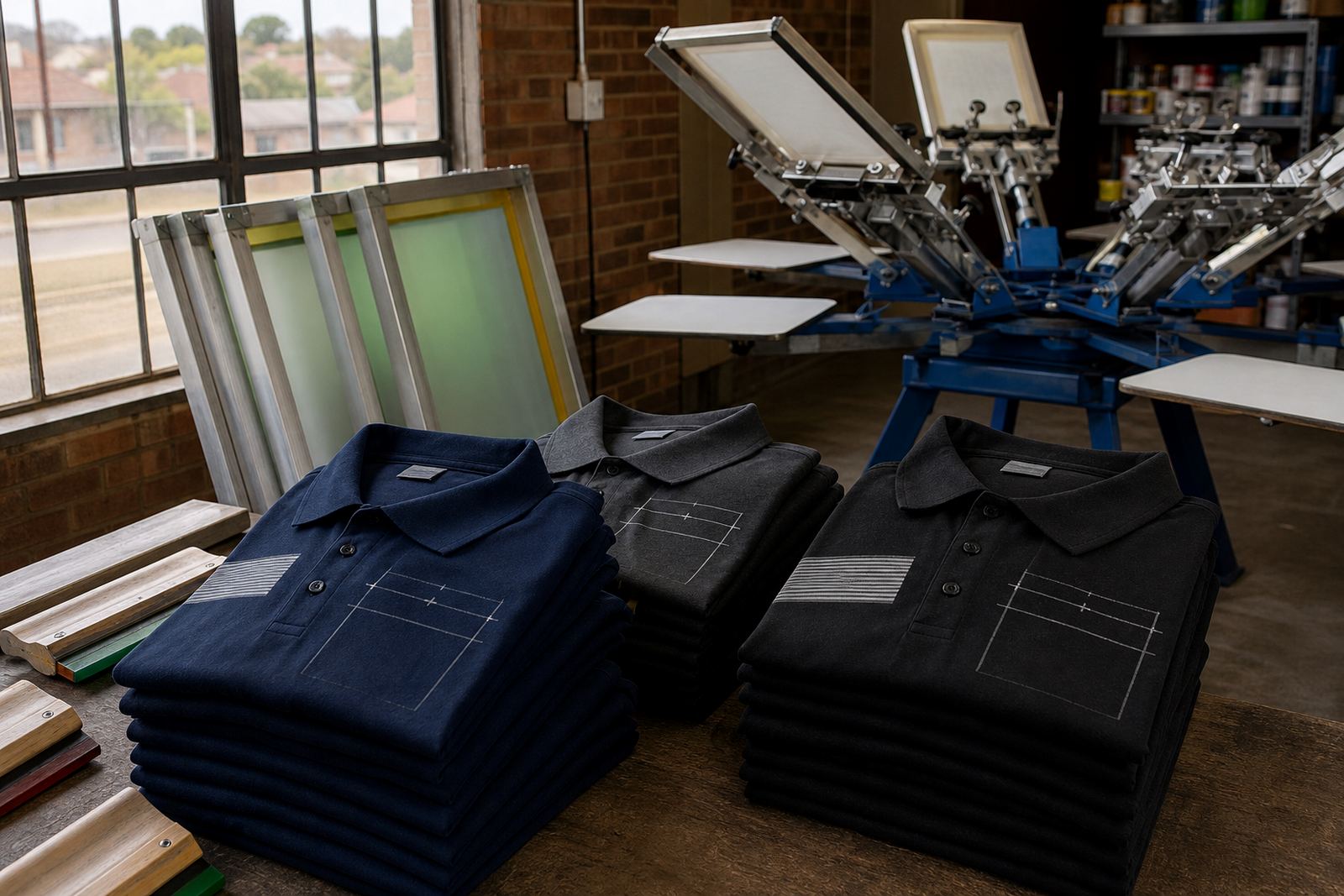
At MeshMaster, the focus is on matching mesh count and frame tension to the print task, not just the image. A good tote bag print is often less about fancy artwork and more about controlled ink release, a level print surface and a screen that holds its shape through repeat runs.
Mesh count choices for tote bag work
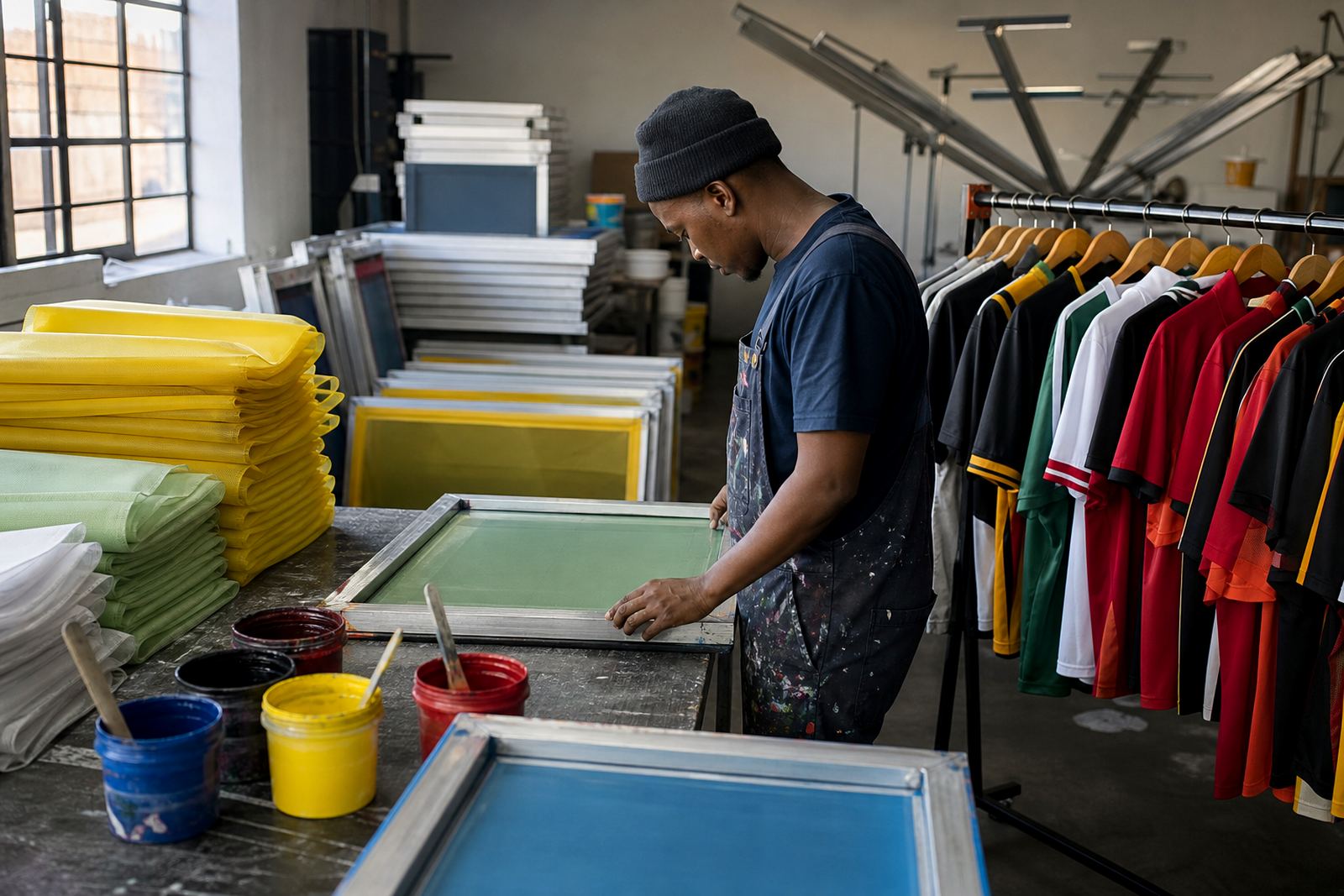
Mesh count affects how much ink passes through the screen and how clean the image looks on textured fabric. For tote bag printing, many shops keep a few common mesh options on hand so they can switch between line work, solid fills and halftones without fighting the mesh. A higher mesh count can help with small text and neat edges, while lower counts are often used when a heavier print deposit is needed for darker bags or bolder artwork.
If the bag surface is rough or absorbent, too fine a mesh can starve the print and leave a patchy finish. If the design has thick lettering or strong blocks of colour, a screen with the wrong count may not push enough ink into the fibres. Matching the mesh to the garment and ink is usually the simplest way to avoid reprints.
For local production in Germiston and across Gauteng, it also helps to keep repeat jobs consistent. When a client reorders the same tote bag design, using the same mesh count and frame tension means the next run is easier to register and easier to price sensibly.
Frame tension and support during the print run
Good tension is one of the biggest factors in tote bag printing because the print stroke needs a screen that stays steady. A loose screen can bounce, distort the image and make the squeegee work harder. On the other hand, properly stretched aluminium frames help keep the mesh flat, which supports sharper edges and more even pressure across the bag.
When frames are re-stretched or newly stretched, the goal is simple: consistent tension across the whole area. That matters on larger bag prints where the artwork sits close to the seam or across a broader panel. If the frame is not clean or the mesh bond is weak, the screen may lose stability during a longer run and the print quality will vary from one bag to the next.
Screen setup advice is often overlooked, but it saves money. A print shop in Pretoria or Durban can waste good stock quickly if the frame is not suited to the job. Stable support, clean mesh and proper tension checking help avoid dragged edges and uneven colour laydown.
Planning artwork for seams, handles and gussets
The most common tote bag mistakes happen before ink reaches the screen. Designers sometimes place logos too close to seams, handles or stitched gussets, which creates pressure changes and uneven print contact. Large solid areas can also look patchy if the print zone crosses a fold or a double layer of fabric.
Simple planning solves most of this. Measure the safe print area first, then size the artwork to fit the actual bag shape. If the bag has a boxed base or side gusset, check where the material stands when loaded on the platen. Some bags need a slightly smaller image than the artwork mock-up suggests, especially if the handles sit low or the top edge curls back.
For multi-colour work, screen setup advice should also include register marks and dry time between layers. A bag that shifts by a few millimetres can throw off fine details, so it pays to use a layout that is realistic for hand loading and steady manual printing.
Common printing mistakes and how to avoid them
Many tote bag problems come from using the same approach as a flat garment. Bags need more attention to support, print height and ink coverage. Overflooding the screen can cause smearing, while too little pressure can leave weak coverage on natural cotton or canvas. Poor curing also causes wash wear and fading after a few uses.
Another issue is underestimating the bag fabric. A light calico tote may take ink differently from a heavy canvas bag, and a coated or blended surface can need a different print pace. Coastal humidity can slow drying, so Durban and Gqeberha print rooms often need a bit more space and patience between layers. In Gauteng, dust and static can also affect clean screen prep if the room is busy.
For shops that print in batches, a quick inspection step after the first few units is worth the time. Check coverage, edge sharpness and alignment before the whole run continues. That small pause can prevent a costly pile of rejects.
Budget ranges for tote bag screen printing jobs
Costs vary by artwork size, colour count, mesh choice and whether the job is a fresh setup or a repeat order. For planning purposes, small tote bag runs often need a different budget from larger repeat production because the time spent on screen prep, alignment and testing is spread over fewer items. A plain one-colour logo is usually simpler to set up than a detailed two or three colour design.
If a shop is buying mesh and pre-stretched frames for tote bag work, the budget should also include screen preparation and re-stretching where needed. Reusing a good frame can make sense when the artwork returns often, but a damaged or slack screen can cost more in the long run through wasted ink and reprints. For a practical budget, many print shops keep separate allowance lines for screen prep, test prints and consumables rather than guessing one flat figure for every bag order.
When quoting a customer, it helps to ask whether the order is a short promo run, a retail batch or a repeat supply job. That gives a fairer view of the print setup and the expected screen work, especially when the bag surface needs stronger coverage or a higher level of care.